.svg)


In this article

Going from a simple idea to a finished video is a complex logistical marathon. It demands scriptwriting, creative execution, and intense collaboration. Whether you're producing a 15-second social media ad or wrangling a massive product launch video, every project goes through defined, high-friction phases.
If you don't manage the data and files, the project stalls.
It's that simple.
The 3 stages of the production lifecycle
Here is a breakdown of the three core stages of the video production lifecycle — plus the essential, often-fatal "fourth stage" that determines the long-term return on your content investment.
1. Pre-production: The blueprint
This is the planning and logistics phase that prevents the $10,000-a-day shoot from collapsing. Nothing is filmed yet, but the work done here creates the definitive roadmap for every single person involved.
This phase is where the paper trail begins, including:
- The script lock: Finalizing dialogue and narrative — the document that should never change again.
- The shot list: The grid that tells the camera operator precisely what they need to film.
- The call sheet: The document that dictates where the hair, makeup, catering, and gaffer need to be at 5 a.m. on Tuesday.
The primary logistical challenge: This stage creates the first essential digital assets — scripts, budgets, call sheets, and legal releases. The primary failure point is the version control death spiral before the cameras even roll.
Imagine this: The client approves Script v7, but the location scout received Script v5, which has a different shooting schedule. The actor shows up ready to deliver lines from Script v6.
You just lost half a day to a document management problem.
Your asset management strategy has to start here, aligning all stakeholders on the definitive version of the blueprint.
2. Production: The capture
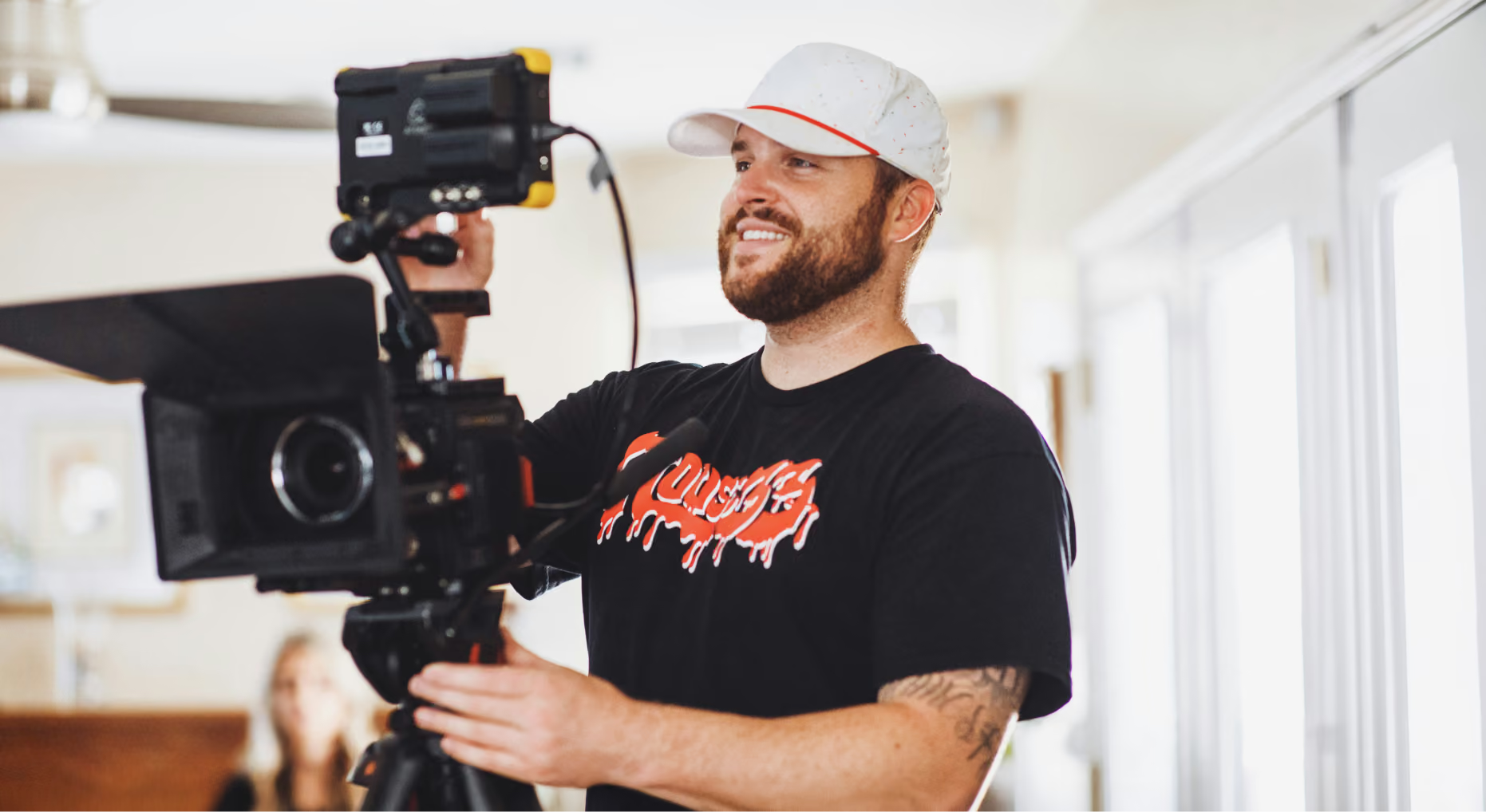
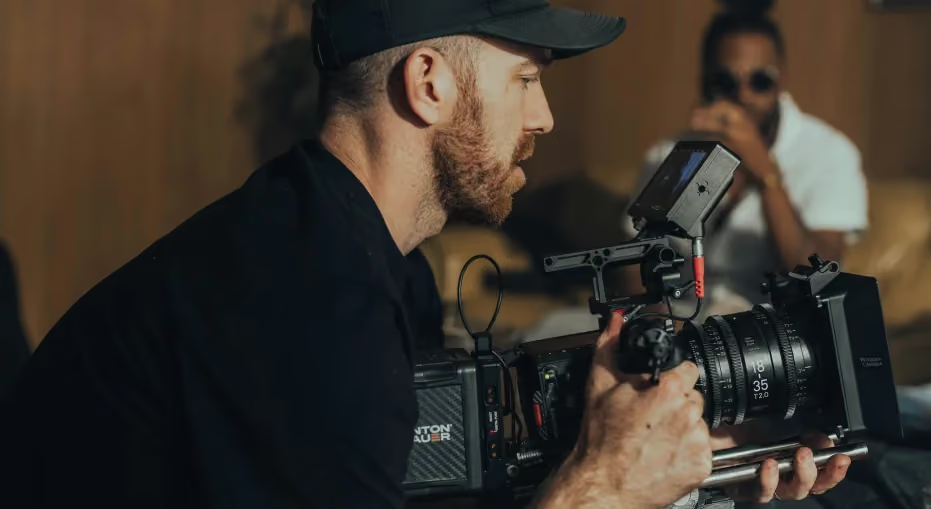
This is the execution phase: The moment you capture the action. The camera rolls, the director yells "action," and the money clock is ticking loudly.
This phase’s core tasks are simple, but data-heavy:
- Filming: Capturing the required video footage onto highly specific camera media (e.g., P2 cards, CFast cards, solid-state drives).
- Data wrangling: The critical process of securely offloading every single card to multiple backup drives. Do not skip the redundant backup.
The primary logistical challenge: The production phase is a data explosion. A high-end camera shooting raw 6K footage can generate as much as a terabyte of data in just an hour. The key problem is the secure ingestion, backup, and immediate storage of this massive volume of raw files — and then ensuring the files are verified before the media leaves the set.
A secondary, but increasingly critical, challenge is providing remote proxy access. The producer might be 2,000 miles away from the set, but they need to see yesterday's dailies now to decide if a reshoot is necessary. If they can't access a lightweight proxy version instantly, they are flying blind, and you risk a costly do-over.
3. Post-production: The assembly
Post-production is the assembly and refinement phase, in which the final video comes to life. This is where creativity meets technical execution and where collaboration is at its most intense and, often, its most chaotic.
Key activities in this phase include:
- Non-linear editing: The editor builds the story, linking thousands of raw clips.
- Color grading: The colorist subtly — or dramatically — alters the mood and consistency of the video.
- Sound design and mixing: The sound designer ensures the dialogue is clean, the music hits properly, and the sound effects are perfect.
- Review and approval: The team circulates cuts to stakeholders for feedback.
The primary logistical challenge: This stage is an all-out battle against chaos. The key problems are overwhelming (e.g., version chaos, feedback noise, search latency). A lack of centralized organization turns this phase into a time-consuming battle against version management and stakeholder miscommunication.
The "4th stage": Asset management and distribution
The production lifecycle doesn't end when the editor hits "render." The value of your finished content hinges on what happens next. If you skip this stage, you're treating your content as a single-use expense, not a long-term asset.
Distribution: Conforming the final assets
The single master video file is now a chameleon. It needs to conform to every platform where it will live:
- Broadcast: Specific codec, frame rate, and loudness standards.
- Instagram/TikTok: 9:16 vertical aspect ratio.
- YouTube/Website: 16:9 aspect ratio, 4K or 1080p, specific bitrate.
Managing these disparate final versions is a huge logistical task. If the social media manager uses the 16:9 horizontal version on Instagram, the brand looks amateur.
Archiving: Protecting the project's long-term value
This is where your long-term investment strategy kicks in. The finished video — along with all its massive raw source files, project files, and associated metadata — must be archived in a way that makes it retrievable.
Why is this critical?
- Re-use: Your marketing team needs a 10-second clip from the original footage for a new ad. If they can't find it, they have to pay for a new shoot.
- Revision: The legal team needs a quick edit to blur a logo six months later. If the source files are offline or lost, you face a major problem.
A smart media asset management system is what transforms a completed video into a valuable, reusable piece of corporate property. It ensures that the assets you created don't vanish into a dusty drive somewhere, but remain active, searchable, and ready to be leveraged again, extending the life and ROI of your content for years.
Ready to ensure your video production lifecycle is supported by smart asset management? Schedule an Iconik demo today to get started.

Melanie Broder Bashaw is the Lead Writer at Backlight. She has over ten years of experience in SaaS content marketing and has written for brands such as Wistia, MongoDB, WhatsApp, Padlet and Slite. Her creative writing has been published by the Common and Public Books. She has an MFA in writing from Columbia University and is based in Los Angeles.