




Media security and access control at operational scale
Securely automate creative workflows and integrate existing tools
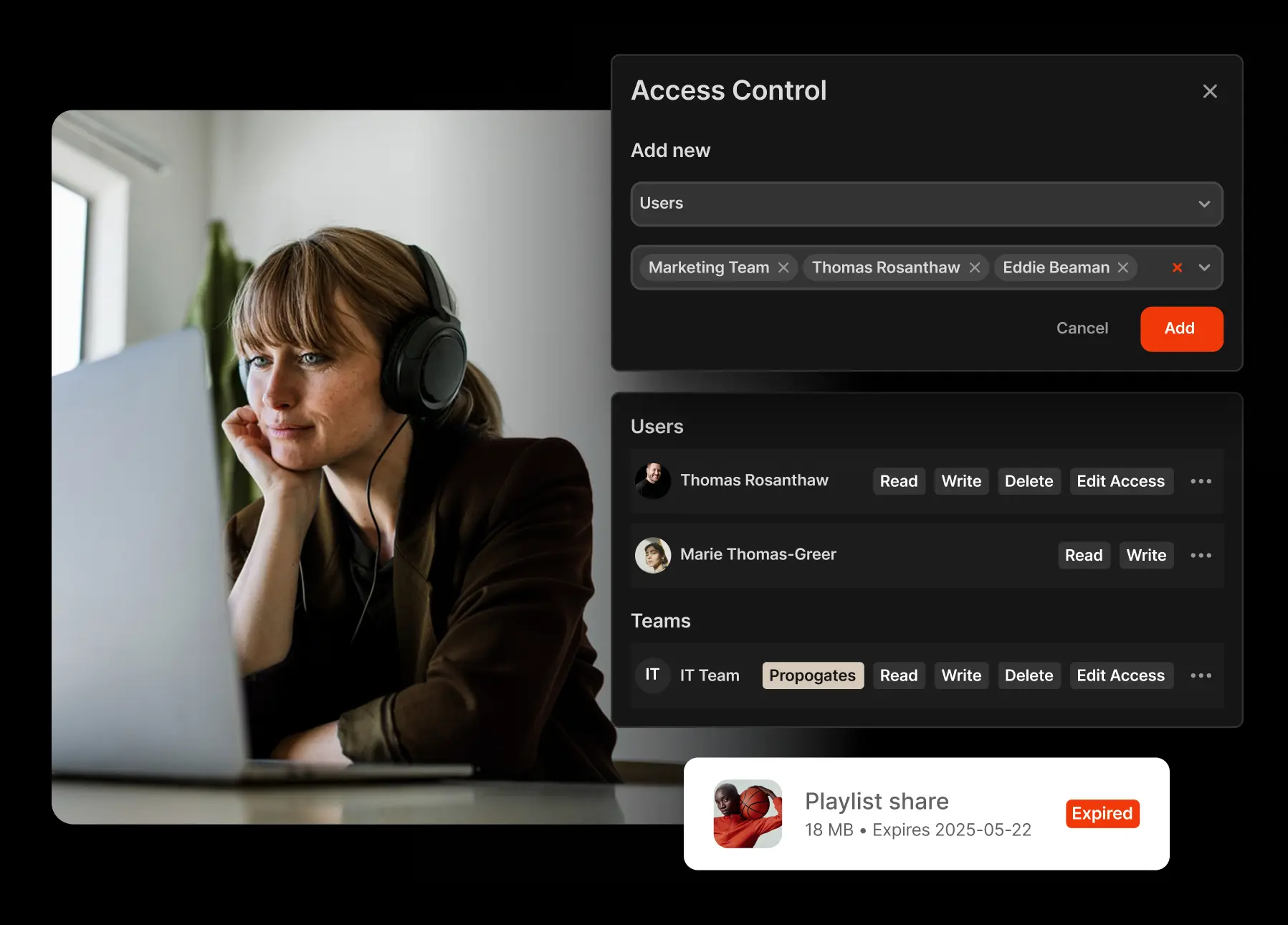
Give access based on role, asset or collection
You define what content users can view, edit, delete, download or share. Adjust permissions at the system, collection, or asset level. Permissions cascade through groups, so if you add a contractor to a group, access adjusts automatically. Change a role once, and watch it update everywhere.
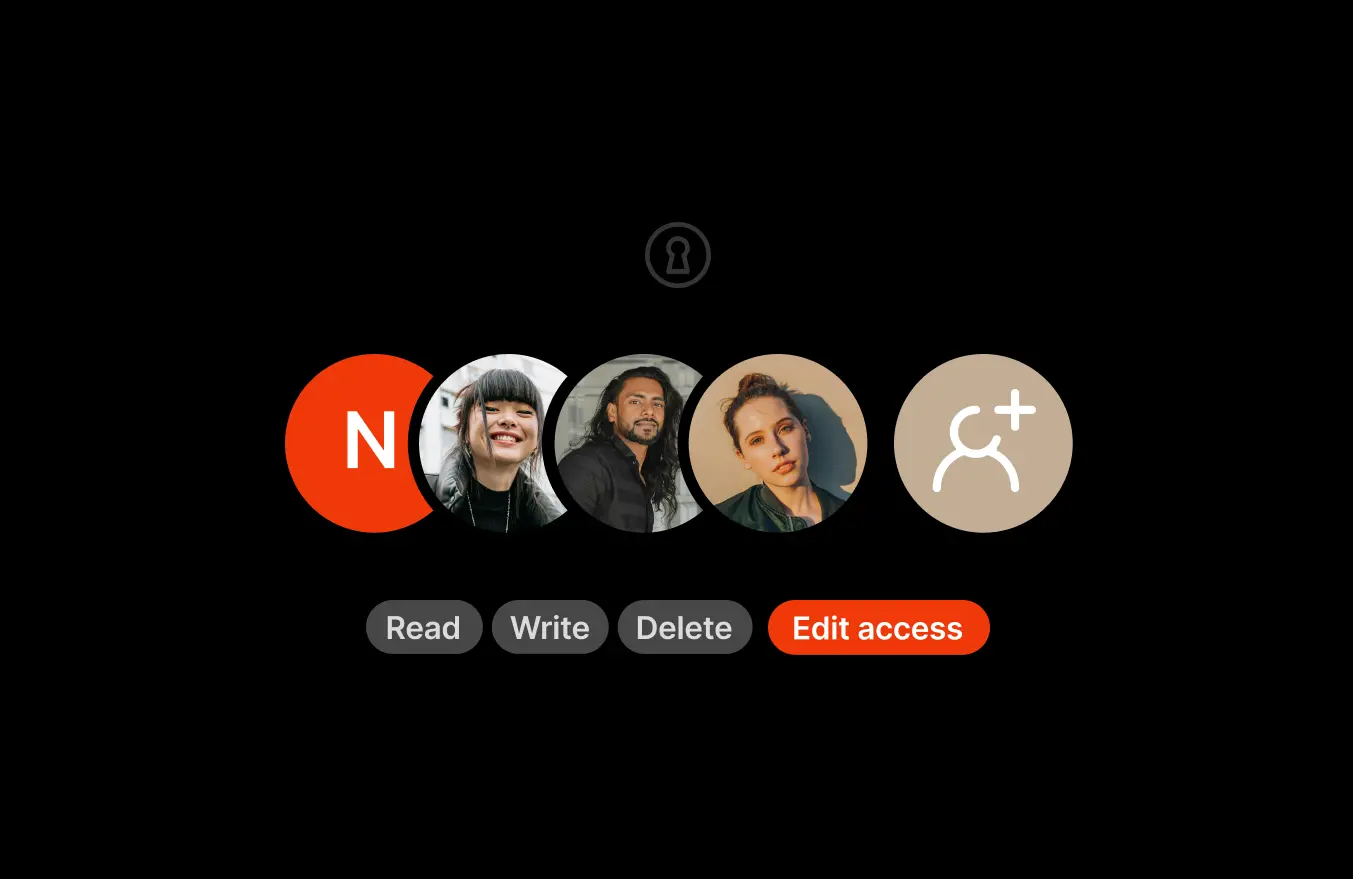
Bring-your-own SSO
Integrate with Okta, Active Directory, or any SAML/OAuth provider. When access is revoked in your identity provider, it’s revoked in Iconik instantly. No manual cleanup or orphaned accounts.
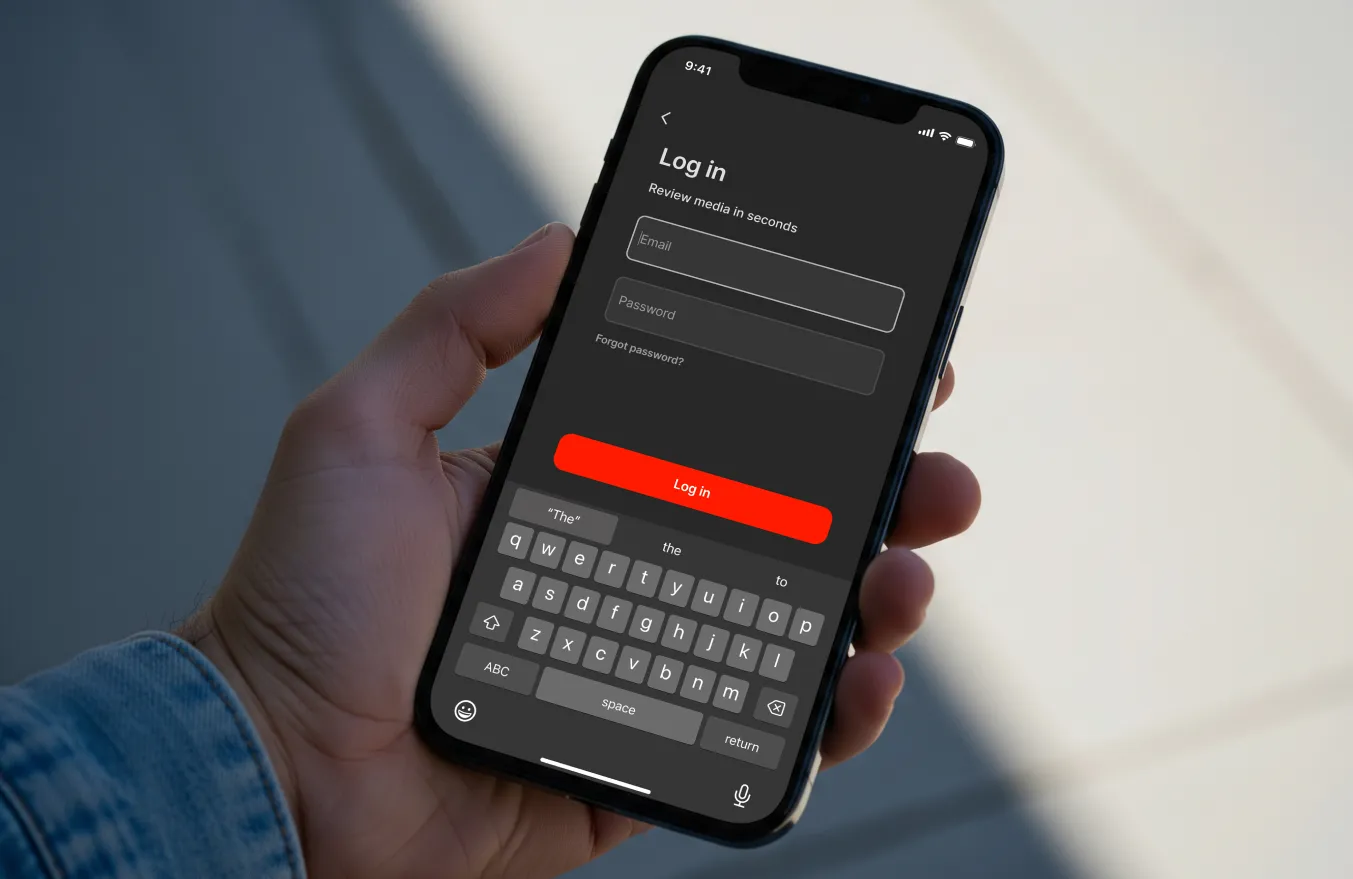
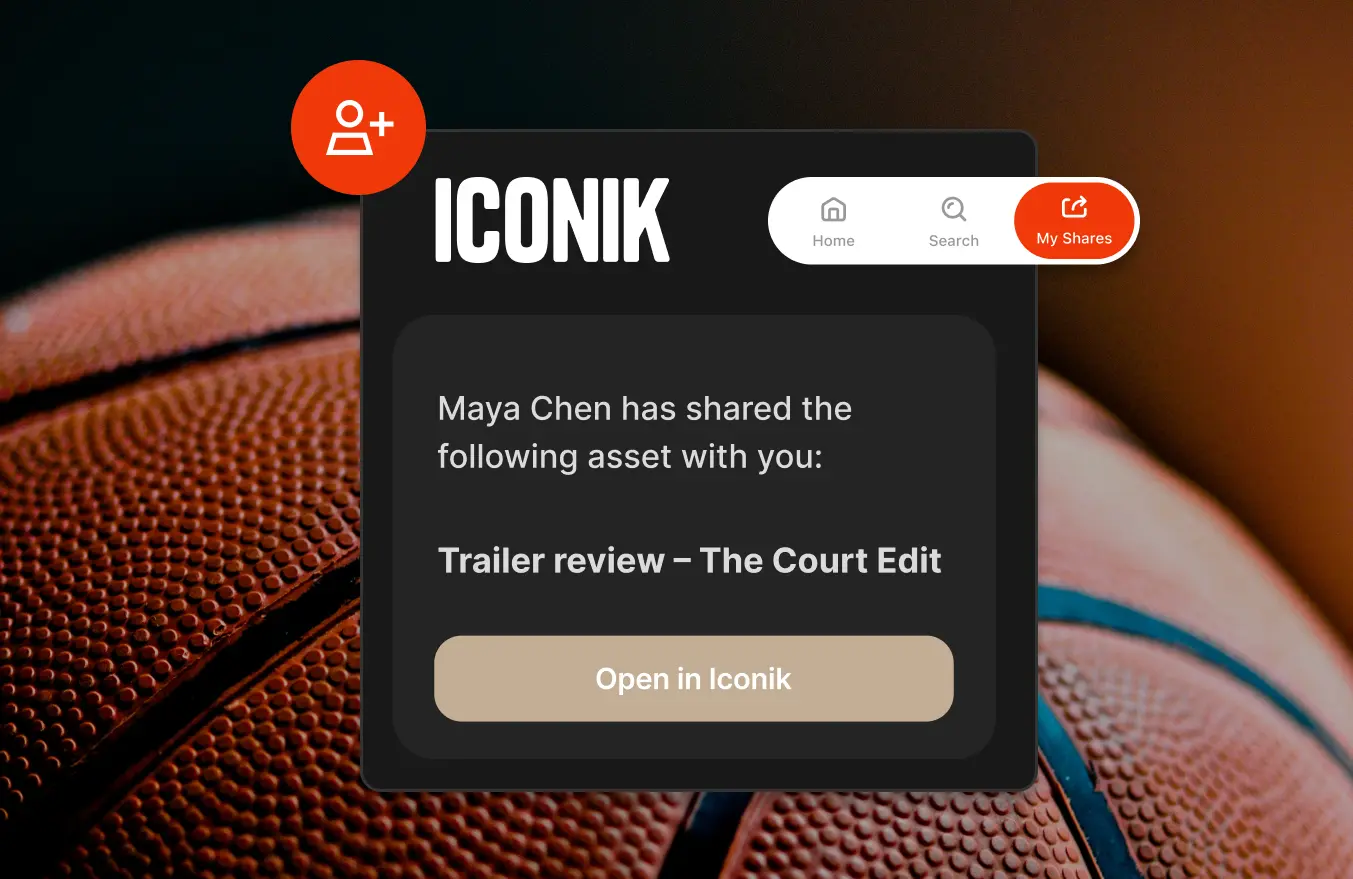
Control external sharing
Share media externally with time-limited, email-verified links. Set expiration dates, control downloads, and replace untracked file transfers with structured sharing that leaves a clear record.
For high-value content, DRM locks shared assets to the player and forensic watermarking traces every session, so control doesn't end when the link is sent.
Set rights warnings directly on assets
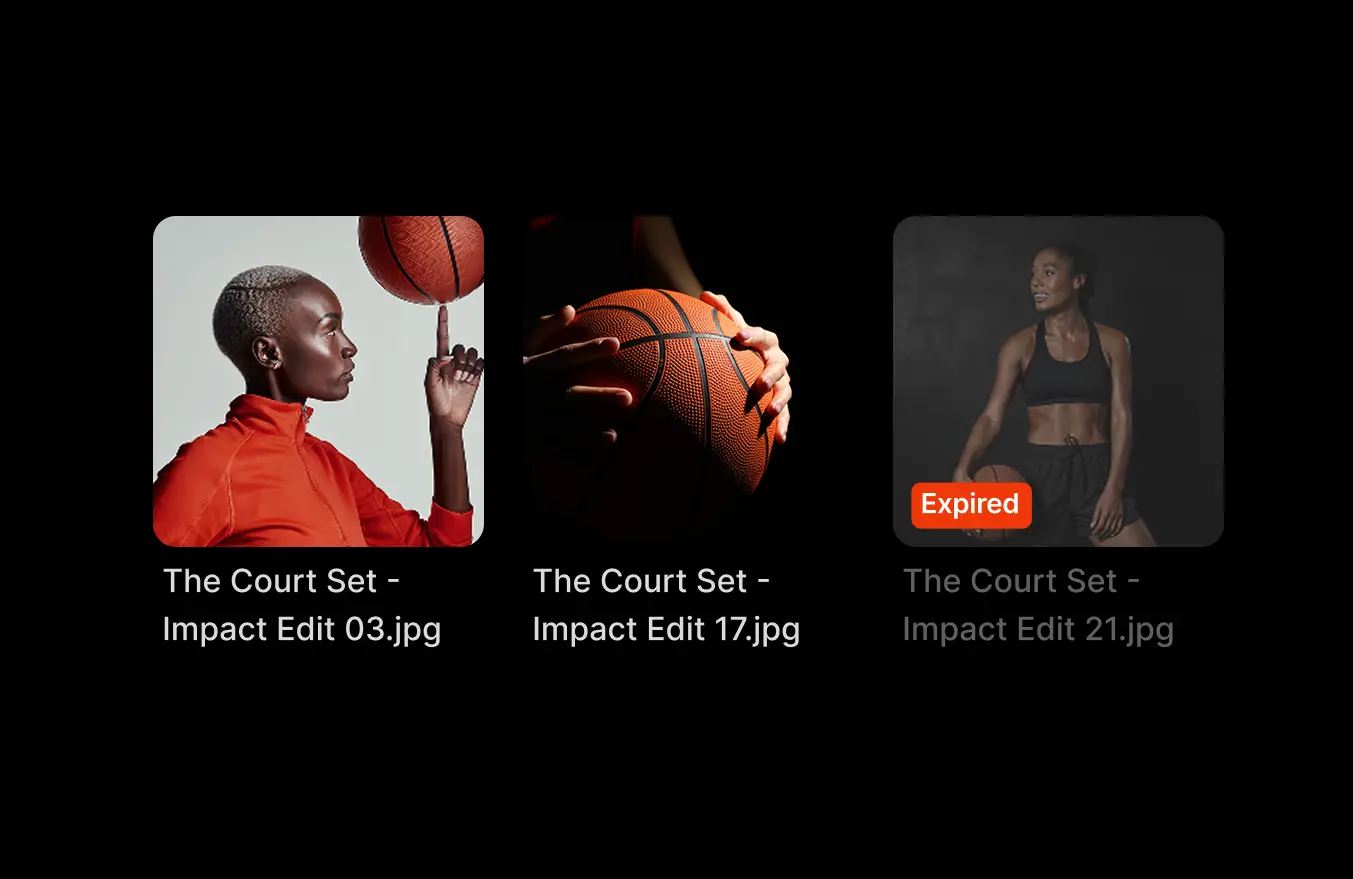
Flags like "Do not use," "Rights expired," and "Embargoed" appear directly on the asset, not buried in metadata fields. Teams see restrictions before they act on content, not after they've already published it.
Track asset visibility and activity
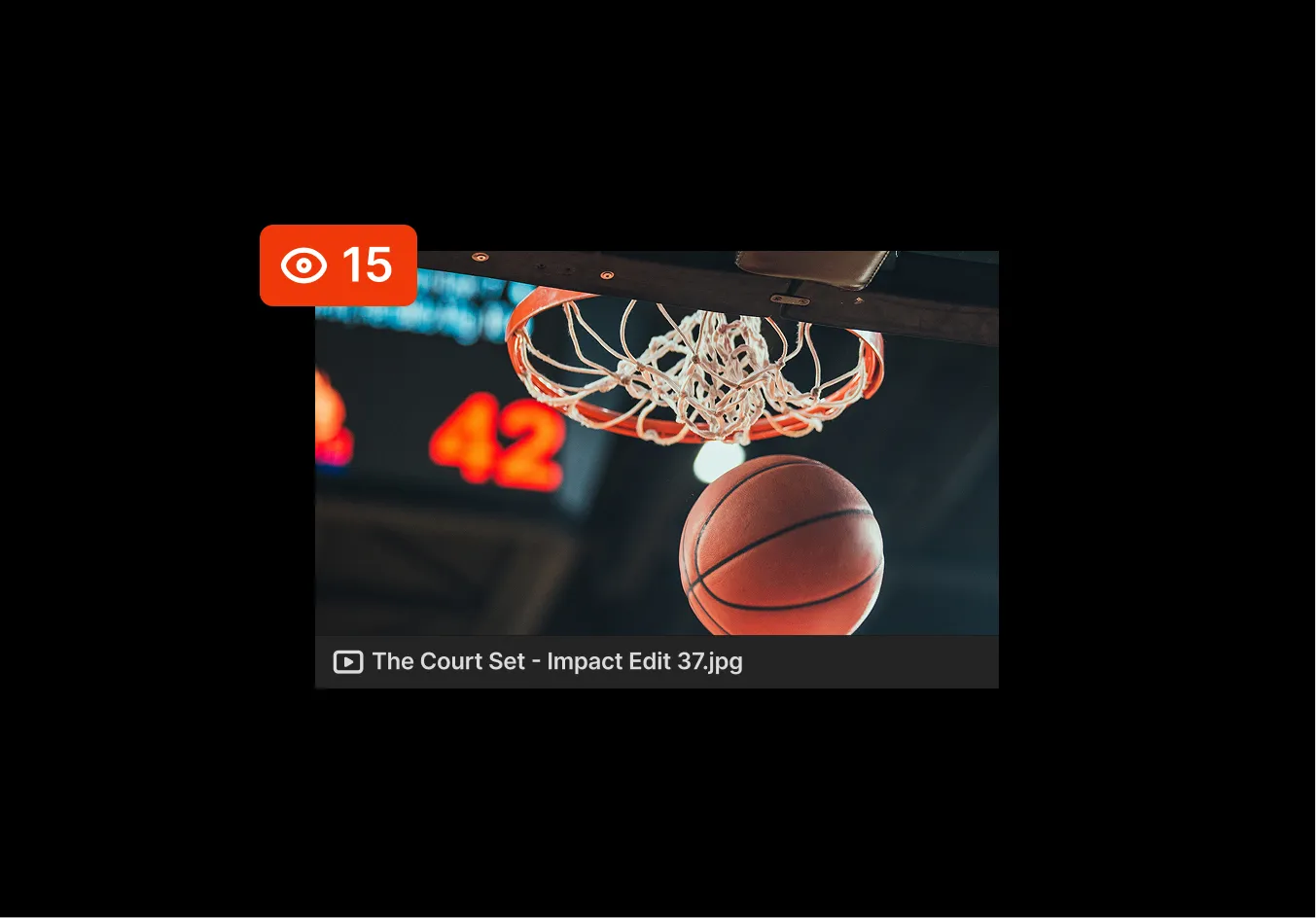
Track views, downloads, and share activity across your media library. When a client asks who accessed a file, or a stakeholder needs to confirm a delivery, the record is already there.
Maintain data ownership
Keep original media in your own cloud accounts or on-prem storage. Iconik does not take ownership of your storage. You decide where data resides, how it’s routed, and how it scales, without vendor lock-in.

Add-on
Protect your media with Iconik Shield
Shield gives your team precise control over who connects, who authenticates, and what gets logged — without adding friction to creative workflows.


IP-based access restrictions
Ensure sensitive projects are only reachable from approved networks. Restrict access by network, location, or user. Apply controls globally, by team, or to individual accounts.

Real-time audit log streaming
Stream a complete activity record to your SIEM as it happens. Every login, share event, and asset access delivered as structured JSON, so suspicious activity is visible the moment it occurs.

Email domain allowlisting
Control which email addresses and domains can authenticate when accessing shared content. A forwarded link reaching the wrong inbox becomes a dead end, not a security event.
Add-on
Protect your content beyond the platform
Most platforms lose control of content once it leaves content once it leaves. Enterprise Security keeps that control intact, locking shared assets to Iconik’s player and leaving a traceable fingerprint on every viewing session.

Digital rights management
Shared content stays locked to the Iconik player. Screenshots and screen recording are blocked. Downloads are prevented. Access is revocable instantly, even after the link is sent.

Forensic Watermarking
Every playback session carries an invisible, unique fingerprint tied to the specific viewer. Survives compression, re-encoding, and phone-filmed capture. If content leaks, the source is identifiable.
// Available on Pro and Enterprise plans



Frequently asked questions
What is role-based access control in media management?
Role-based access control (RBAC) defines what users can view, edit, download, or share within a media system. Permissions are assigned through roles and groups, allowing access to scale without manual adjustments.
Does Iconik support Single Sign-On (SSO)?
Yes. Iconik integrates with SAML and OAuth identity providers, including Okta and Active Directory, enabling centralized authentication and instant access revocation.
Can Iconik restrict external media downloads?
Yes. External share links can enforce expiration dates, email verification, and no-download permissions to protect sensitive media.
How does metadata-driven access work?
Iconik can apply visibility rules based on metadata such as client, region, or embargo status, automatically limiting access without duplicating libraries.


Get Started
Security should scale with your media operations — not slow them down.
Iconik enables structured access control across complex teams and environments, so sensitive content stays protected while work keeps moving.
