
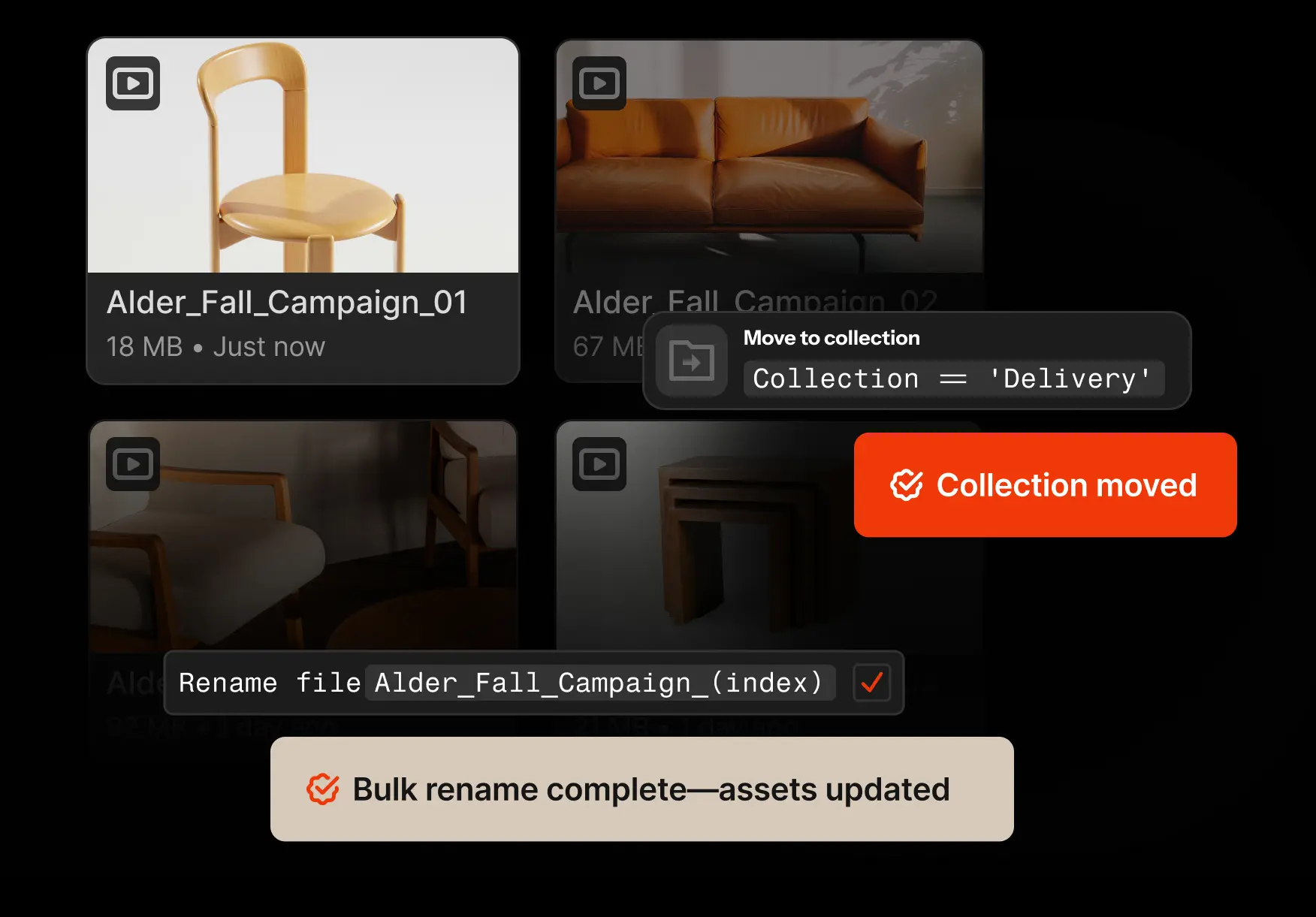




Automation infrastructure designed for scale
If you can do it in Iconik,
you can do it via API
Full API control over every capability
Iconik is the orchestration layer for your media operation, not just a place assets live. Every action available in the UI has an API path — so you can exchange metadata, trigger workflows, sync content, or build custom tooling on top of the full feature set.
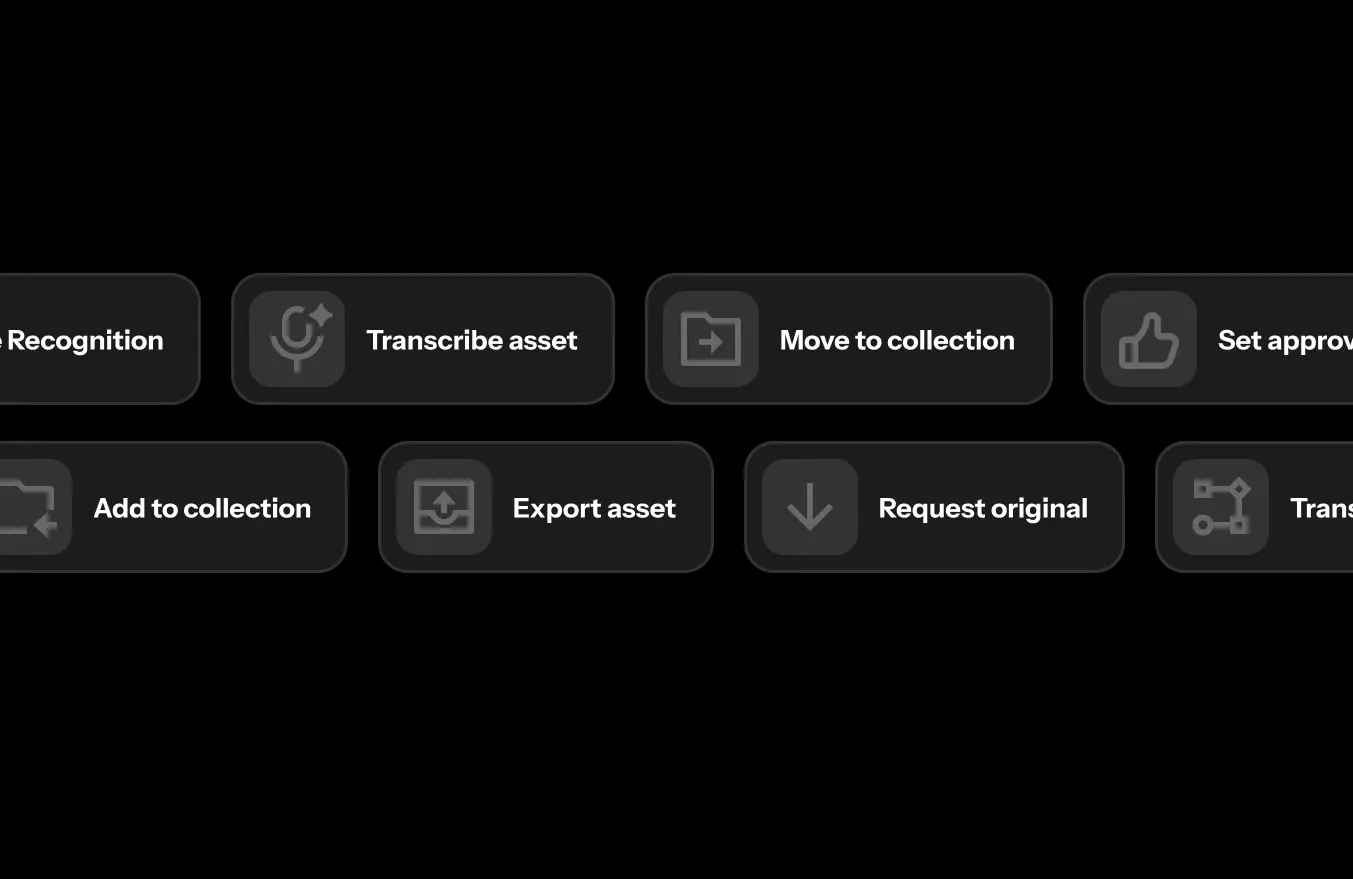
Trigger external workflows without leaving Iconik
Iconik's automation engine runs on a simple model: something happens, conditions are checked, an action fires. No code required. Set a trigger, define the conditions, choose the action — then chain them together until entire operational pipelines run on their own.
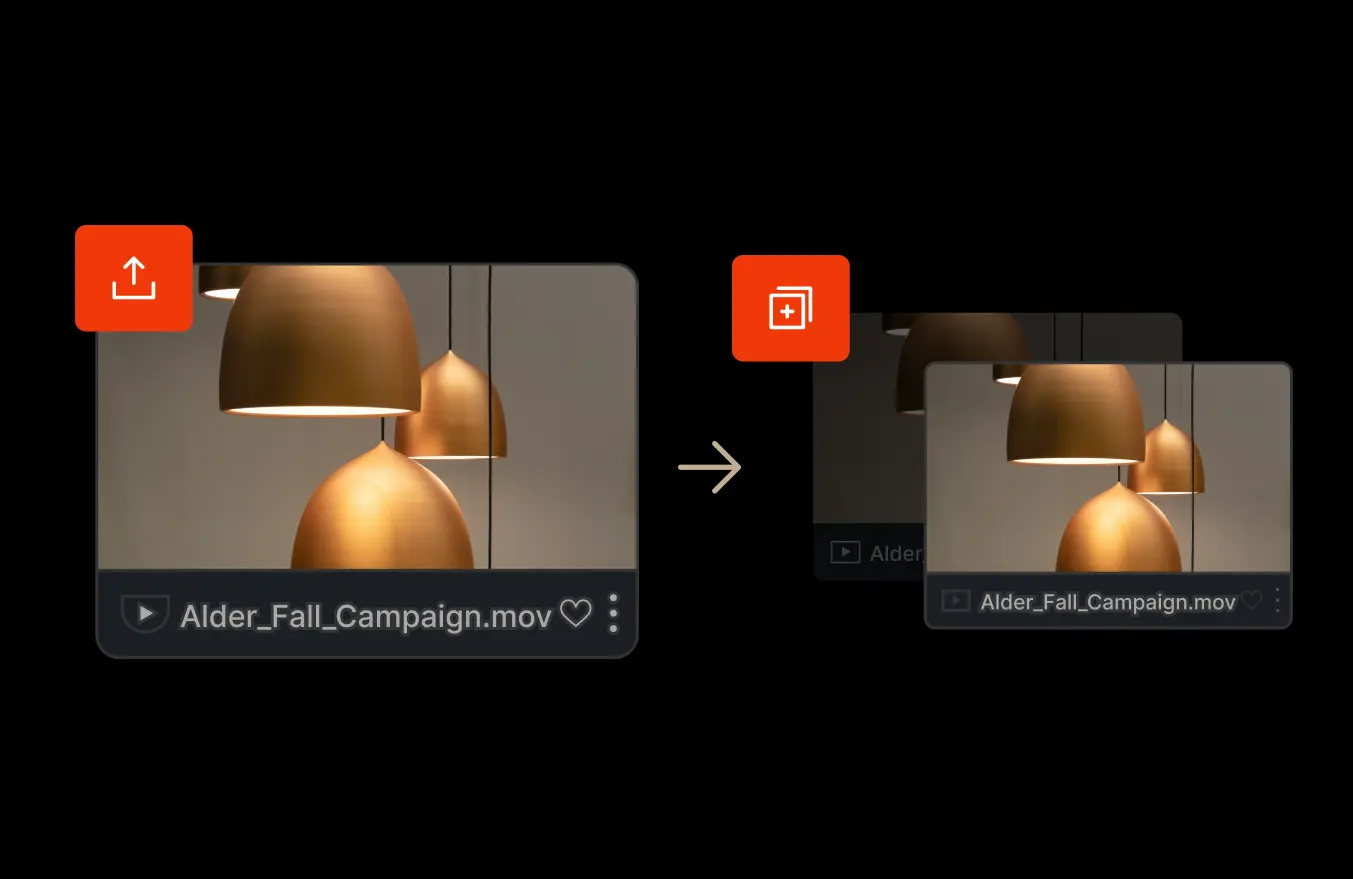
Rule-based workflow automation
Trigger actions automatically when asset events or metadata changes occur.
When an asset is tagged “Approved,” automatically:
→ Move it to archive storage
→ Add it to a collection
→ Notify stakeholders
→ Trigger AI enrichment
Storage lifecycle policies, routing, and notifications run without manual oversight.
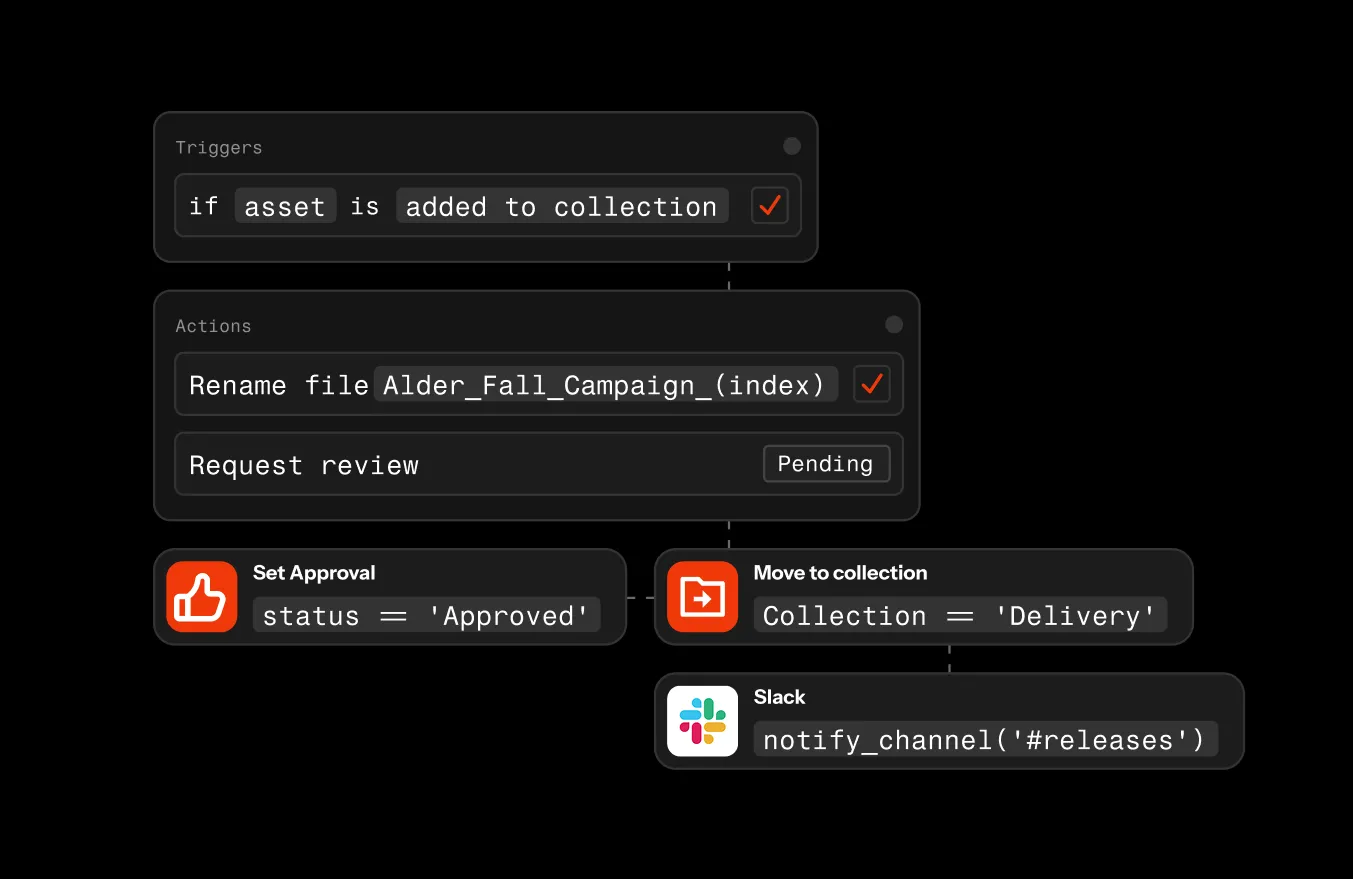
Real-time integrations via webhooks
Send Slack notifications, update project management systems, or sync metadata with external platforms when defined conditions are met. Iconik communicates with your ecosystem in real time.

Native NLE integrations
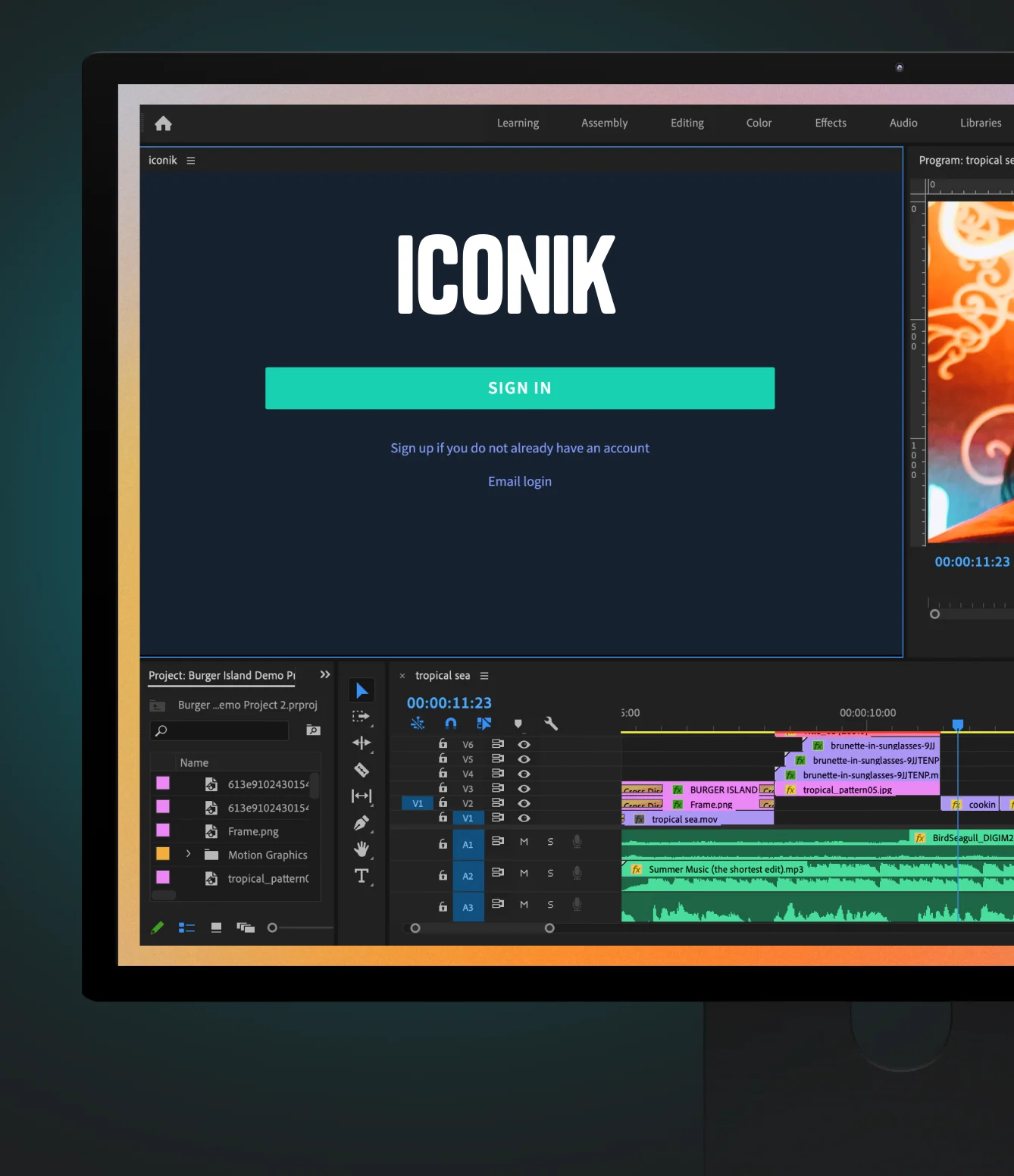
Search, browse, and import Iconik assets directly inside Adobe Premiere Pro, DaVinci Resolve, and Final Cut Pro. Work with proxies for speed, relink to full-resolution for finishing, and upload final cuts back to Iconik with metadata preserved.
Asset management lives inside the NLE, not in a separate tab.
Resources
See how teams build workflows that run themselves



Frequently asked questions
What is media workflow automation?
Media workflow automation uses rule-based logic to trigger storage moves, metadata updates, notifications, and routing automatically when assets change status.
Does Iconik integrate with Adobe Premiere Pro?
Yes. Editors can search, import, and upload assets directly inside Adobe Premiere Pro without leaving the timeline.
Can Iconik connect to enterprise systems?
Yes. Webhooks and a REST API allow integration with CRMs, CMS platforms, ERPs, project management tools, and proprietary systems.
How does automation reduce operational risk?
Automation enforces predefined rules consistently, eliminating missed steps, inconsistent tagging, and manual storage errors.


Get Started
Ready to put your media workflows on autopilot?
Iconik handles the logistics so your team can focus on the work that actually matters.
