
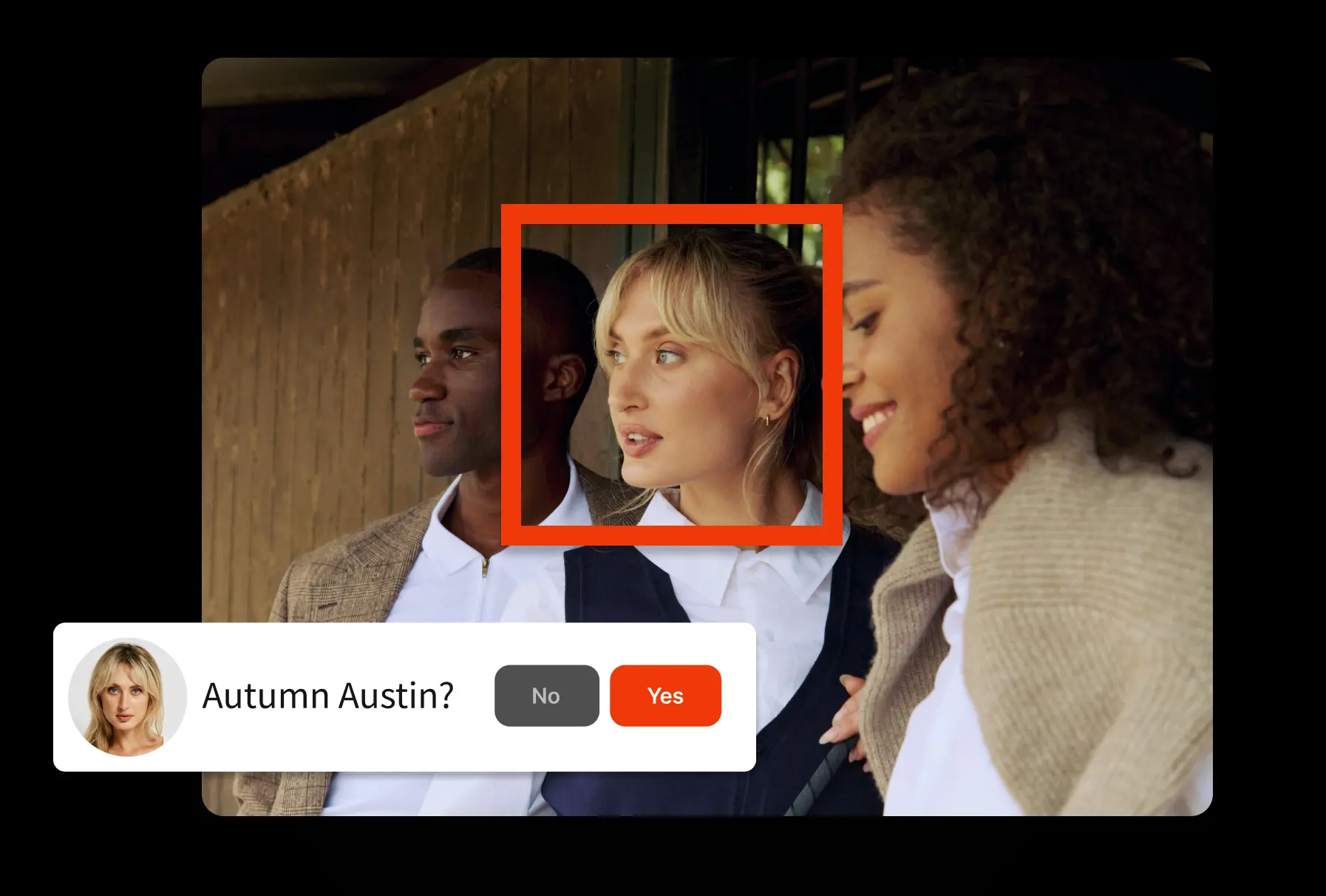




The AI metadata generator that scales with you
AI metadata and media intelligence
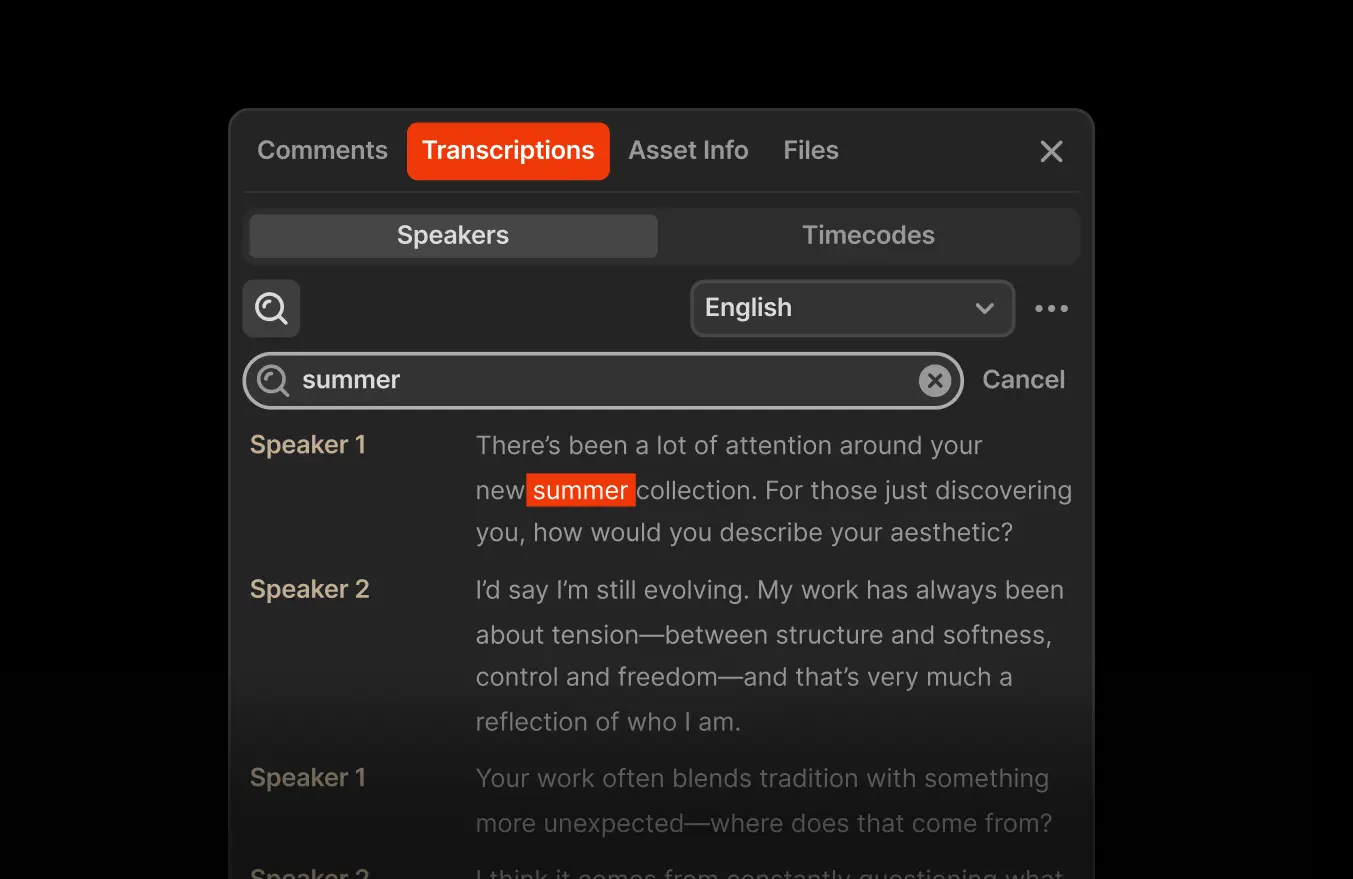
Automatically create searchable transcripts
Speech-to-text runs automatically during ingest, generating searchable transcripts attached to each asset. Search for a phrase and jump directly to that frame in the timeline. Long-form interviews, news footage, and archives become navigable in seconds.
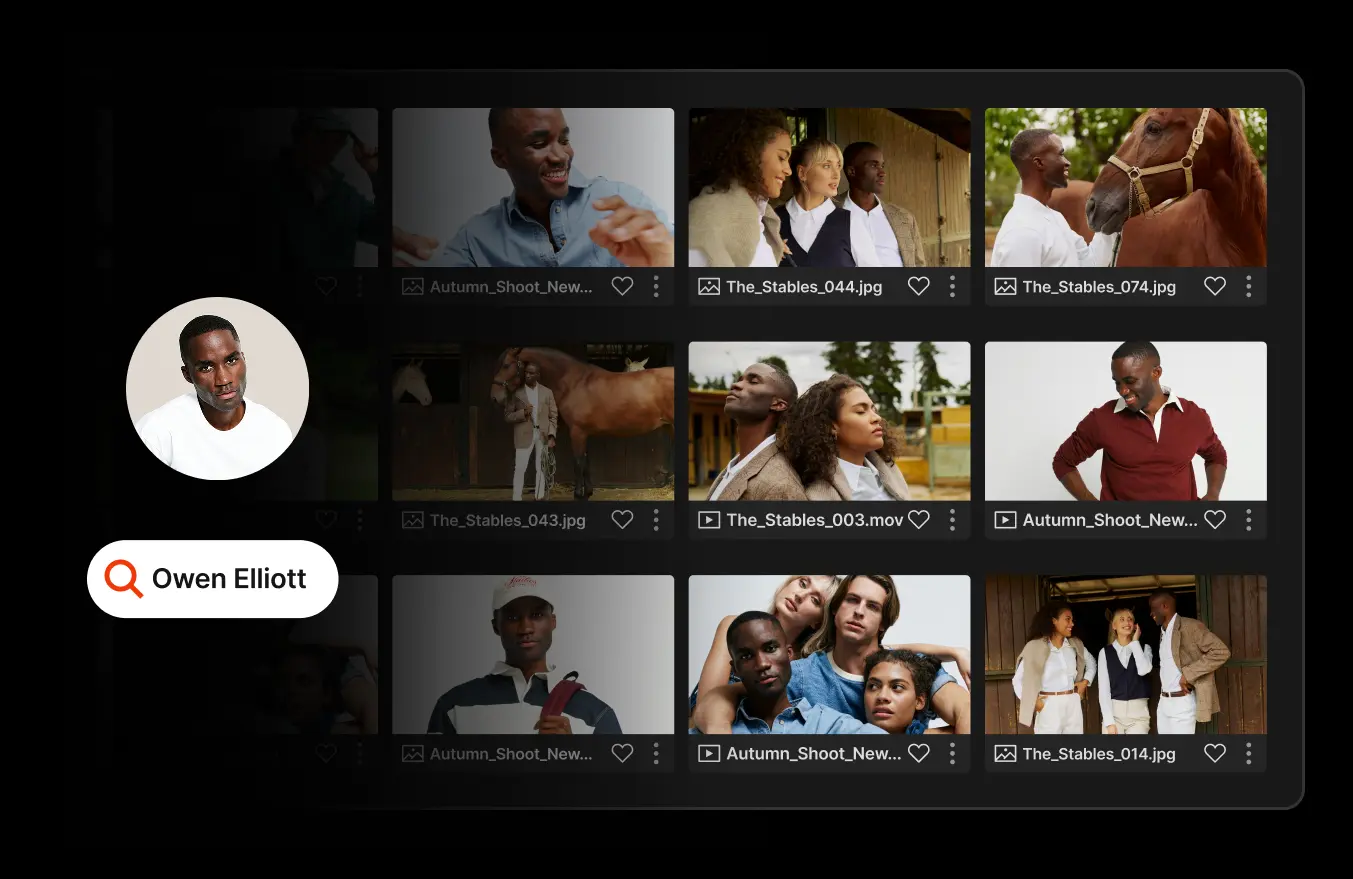
Identify faces across your archive
Identify every instance where specific people appear across your media library. Find all footage of a spokesperson, athlete, or executive without manual tagging or review.
Detect objects and scenes
AI detects visual elements such as locations, objects, and activities, generating searchable metadata automatically. Search for “stadium,” “product shot,” or “crowd” and surface relevant clips instantly.

Summarize content
Extract key themes and generate concise summaries from transcripts. Teams understand what is inside a file before opening it and discover content by topic, not just filename.

Stay in the driver’s seat
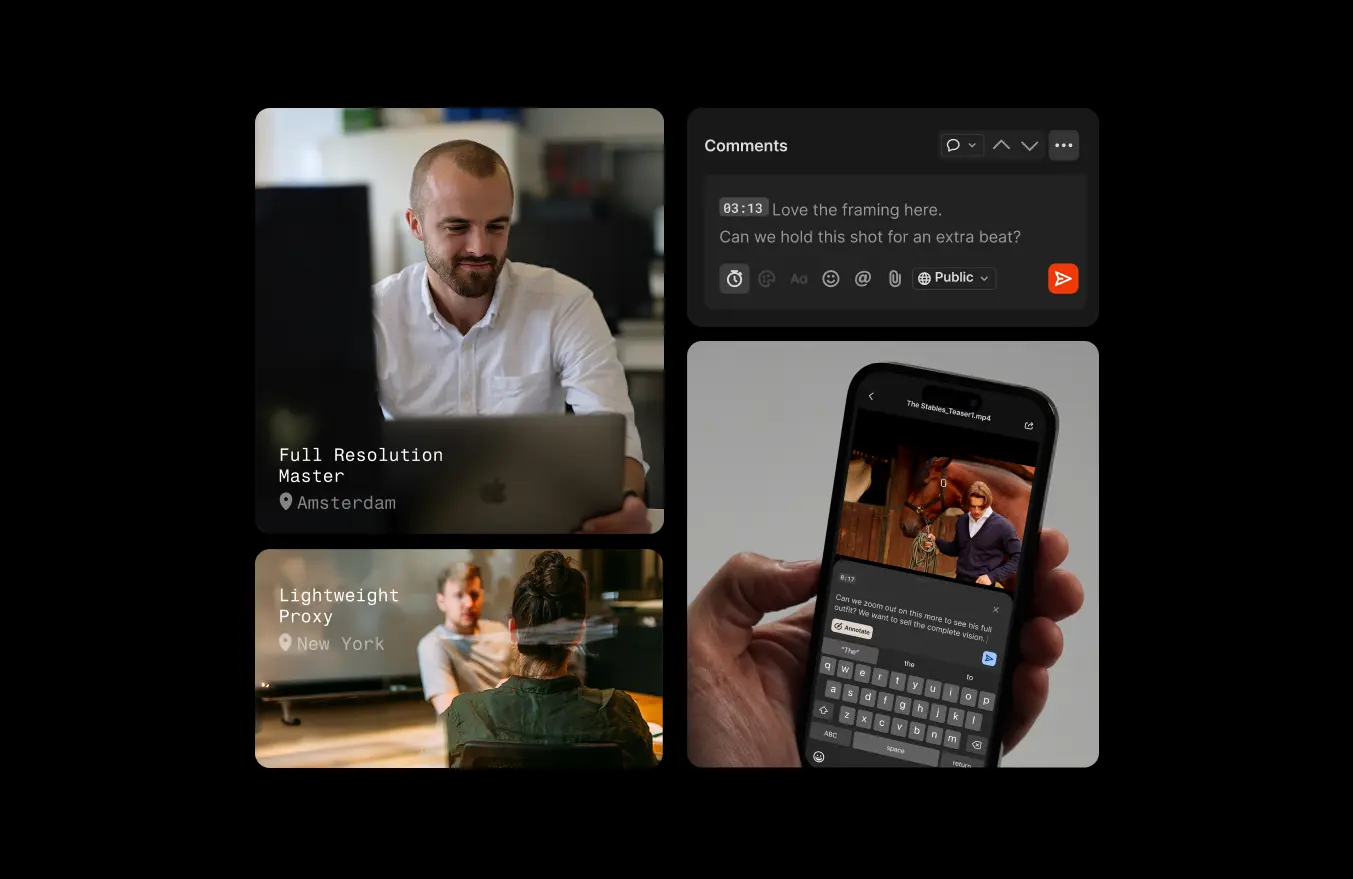
AI features are optional and administrator-controlled. Processing uses proxy files for visual analysis and audio extraction for transcription. Full-resolution originals are not sent to AI providers, and customer content is not used to train external models.

Resources
Get up to speed on Iconik’s latest AI advancements


Frequently asked questions
What is AI metadata generation?
AI metadata generation uses machine learning to automatically transcribe speech, detect faces and objects, and extract topics from media files, creating searchable metadata without manual entry.
How does Iconik generate searchable transcripts?
During ingest, speech-to-text processing creates time-coded transcripts attached to each asset. Users can search for a phrase and navigate directly to that moment in the timeline.
Can Iconik’s AI analyze archived content?
Yes. AI processing can run on existing assets using proxy files and audio extraction, making legacy archives searchable without re-uploading full-resolution originals.
Is Iconik’s AI processing secure?
AI features are administrator-controlled. Proxy media is used for analysis, and customer content is not used to train external AI models.


Get Started
Never manually tag an asset again.
Iconik’s AI enhancements turn untagged media into structured, searchable assets automatically — so teams reuse what they already own instead of recreating it.
