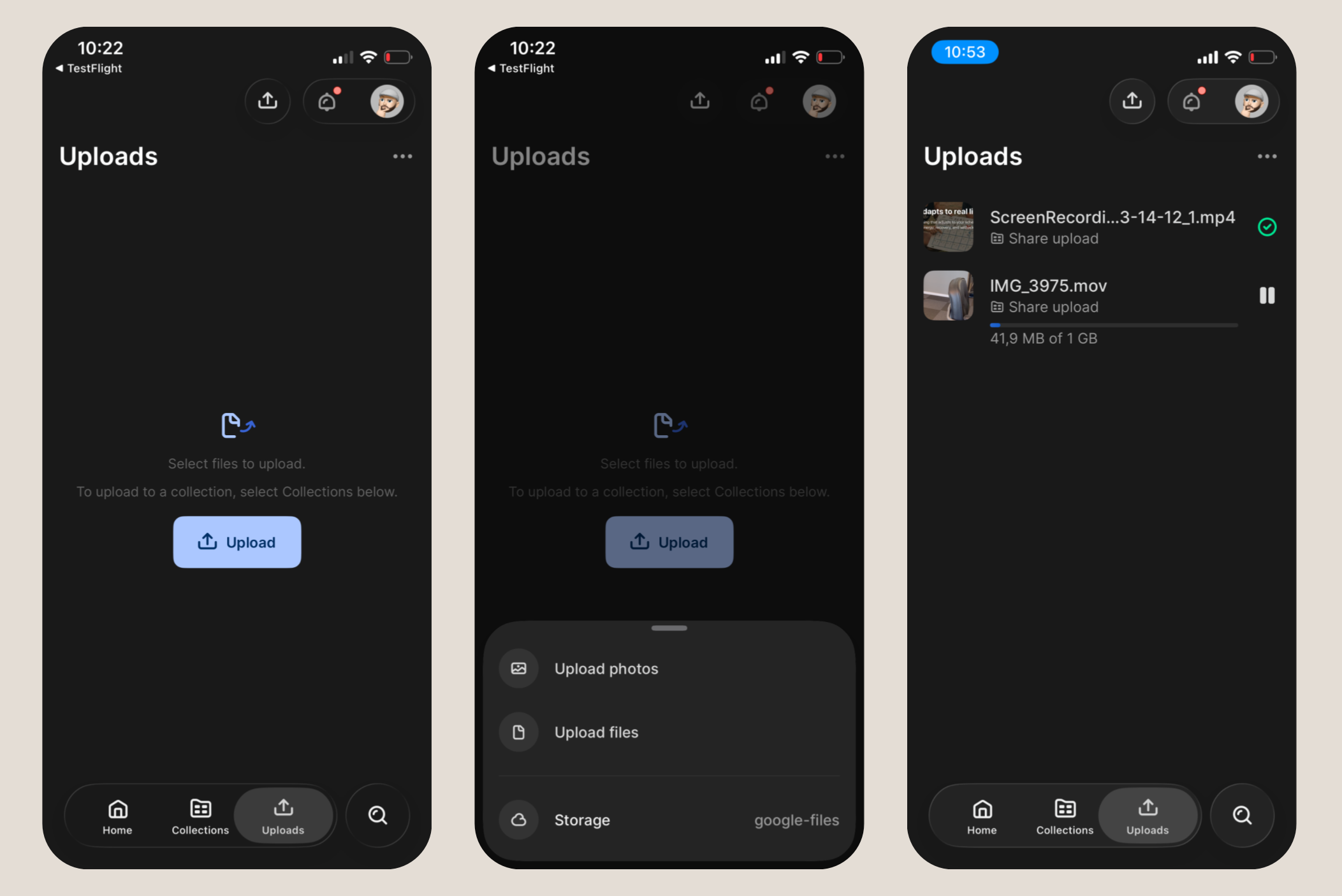
Upload files from iOS — including in shares
You can now upload files to your S3, GCS, and B2 storage destinations directly from the Iconik iOS app. When uploading, you select the destination storage (currently S3, GCS, and B2 only. Azure support will be added soon). Upload support also extends to sharing, so external collaborators can contribute files without logging in to Iconik. For teams working in the field, the gap between capture and Iconik just got a lot smaller.
Playback speed control
A new speed control lets you adjust playback rate for video and audio assets during review. You can step through the standard speed options directly from the player. Whether you're scanning through long takes or closely checking a fast edit, you now have the same speed flexibility you'd expect on the web player.

Availability: All Iconik iOS users on v1.4.0 or later.
