Keep listening when you switch apps
Audio and video now keep playing in the background when you leave the app or lock your phone. Review a long interview or voiceover pass without needing to keep Iconik open in front of you the whole time.
Stream reviews to a bigger screen or speaker
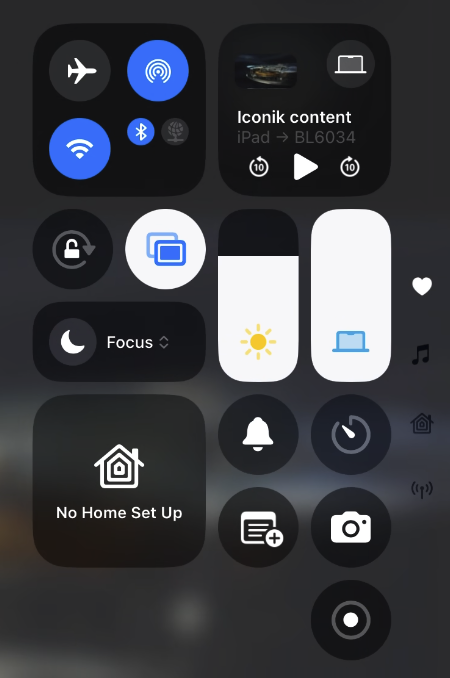
Cast audio and video playback to a TV or speaker over AirPlay — pull footage up on a bigger screen for a group review, or listen on speakers better than your phone's.
Upload Live Photos directly
You can now upload Live Photos straight from your camera roll instead of exporting a copy first. Iconik saves the still image from the Live Photo. Full support for the motion and audio isn't available yet, but it's on our radar.

Mark up frames with a new Cross tool
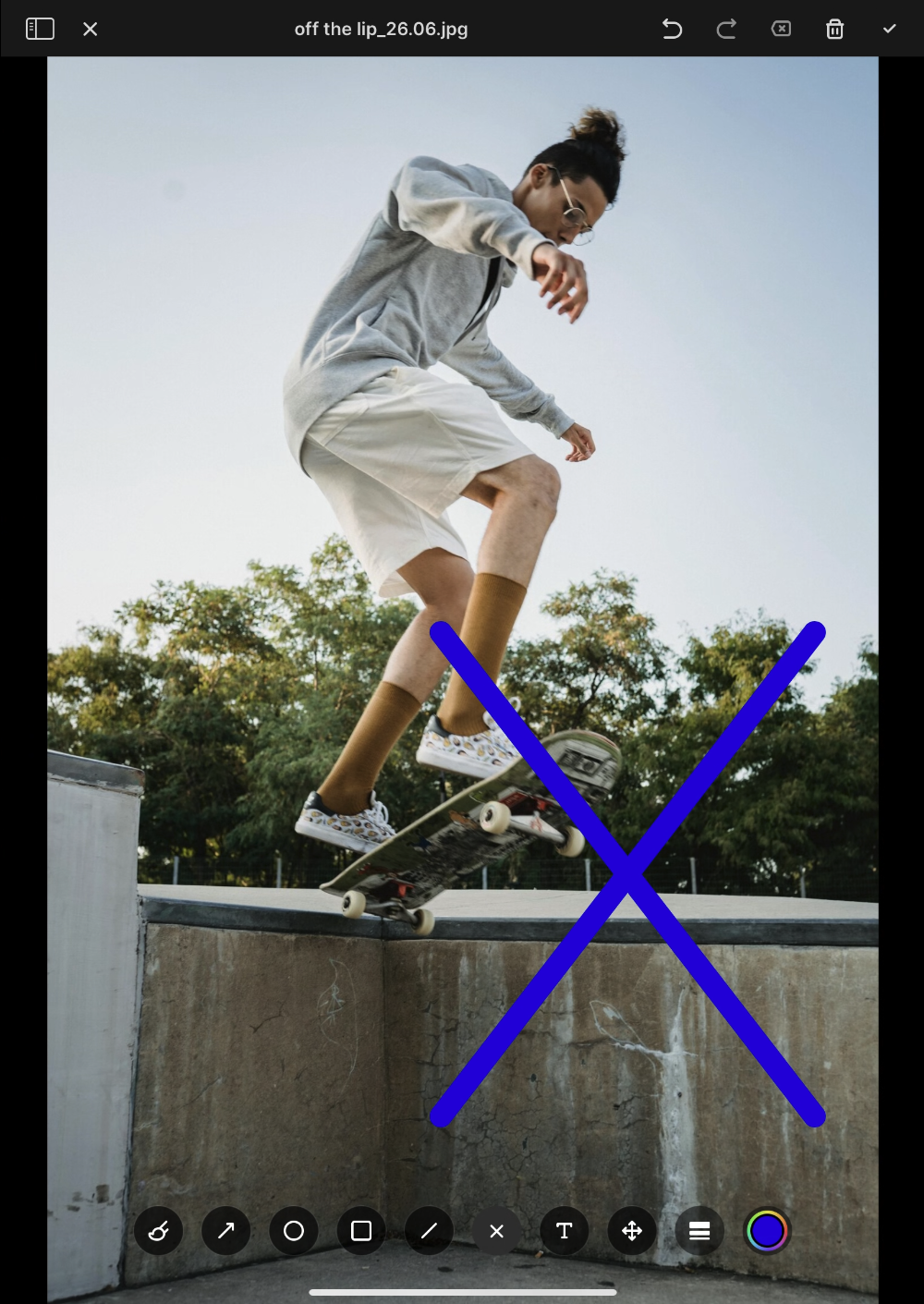
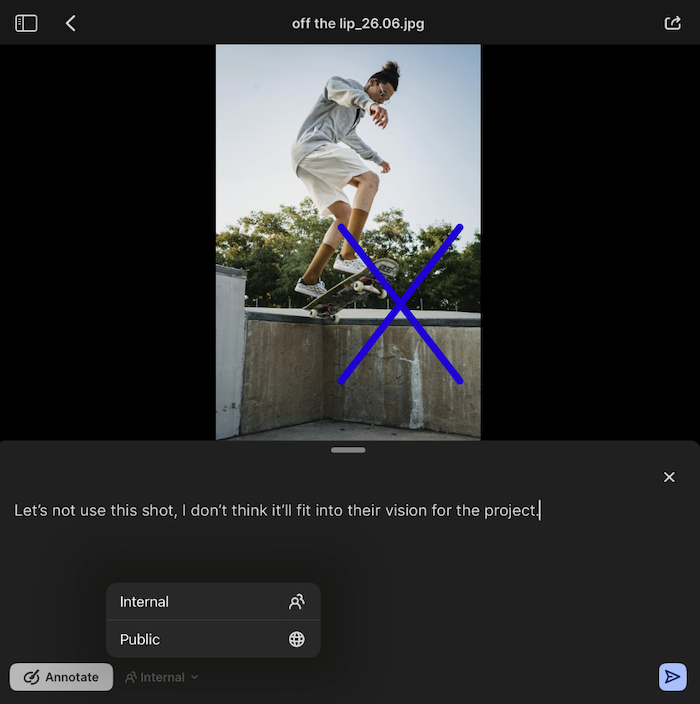
Alongside the existing annotation tools, you can now drop a cross directly on a frame during review. It's built for the moments a circle can't cover — a circle says "look here," a cross says "this is wrong." That distinction matters most in fast-moving review sessions, like live sports markup, where you need reviewers to say more with one mark.
Keep feedback internal, right from your phone
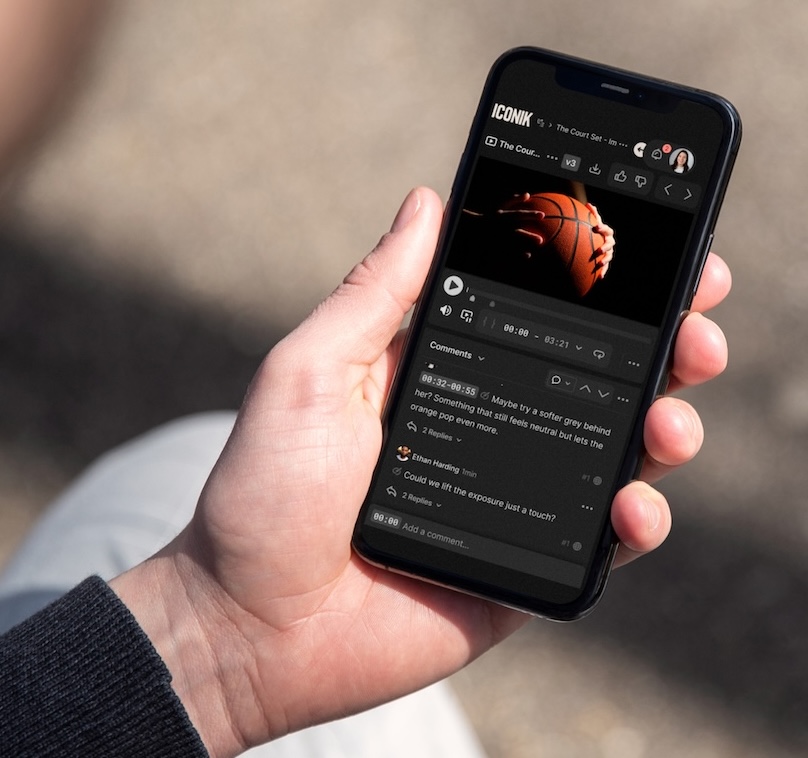
You can now mark a comment as internal-only while reviewing on iOS, so it's visible to your team but never to anyone you've shared the asset with outside your organization. It's a way to work through notes candidly before you're ready to share feedback with a client.
View Link Assets on the go
Link Assets (e.g. Google Docs, Figma files, Celtx scripts, and YouTube videos connected to Iconik without uploading a file) now show up in search and asset views on iOS. Wherever you're working, you get the full picture of a project's assets, not just the uploaded media.