Use the laser tool to point things out (without leaving a mark)
You can now use a laser tool for annotations — draw directly on a frame to call out a specific spot, and the stroke fades away a couple of seconds after you stop drawing. It's built for the moment you want to flag something quickly without adding a permanent mark to the asset. Where pencil, arrow, and other annotation tools leave a lasting annotation saved to the comment, the laser tool is meant to disappear, so a quick "here" doesn't turn into clutter on a frame other reviewers see later.
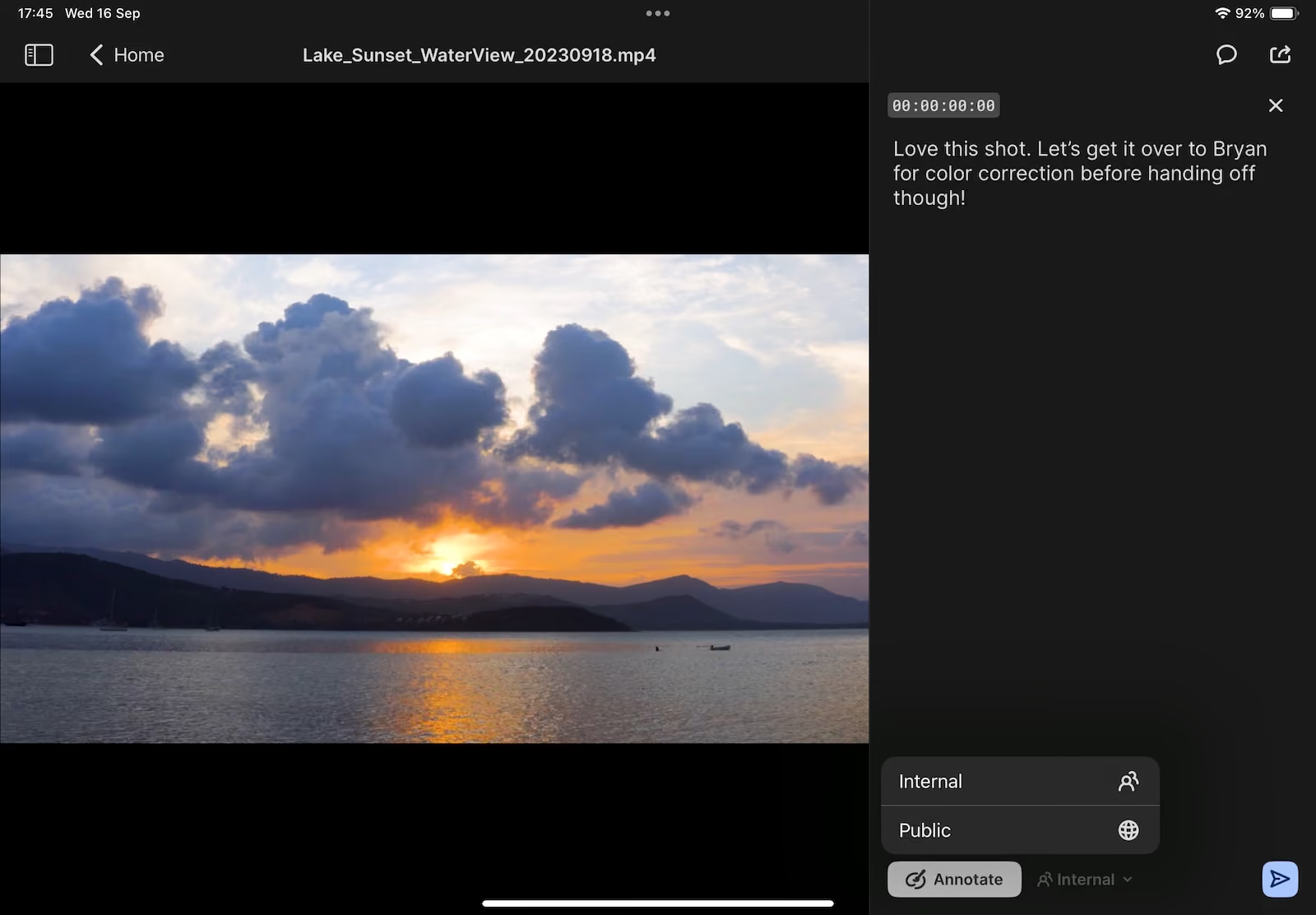
Keep internal conversations internal
Comments can now be set to public or internal, so your team can control which feedback external reviewers actually see. Mark a comment internal and it stays visible only to people inside your organization — useful for the back-and-forth that happens before you're ready to share a note with a client or commissioner. You get one comment thread instead of two, without worrying about who sees what.
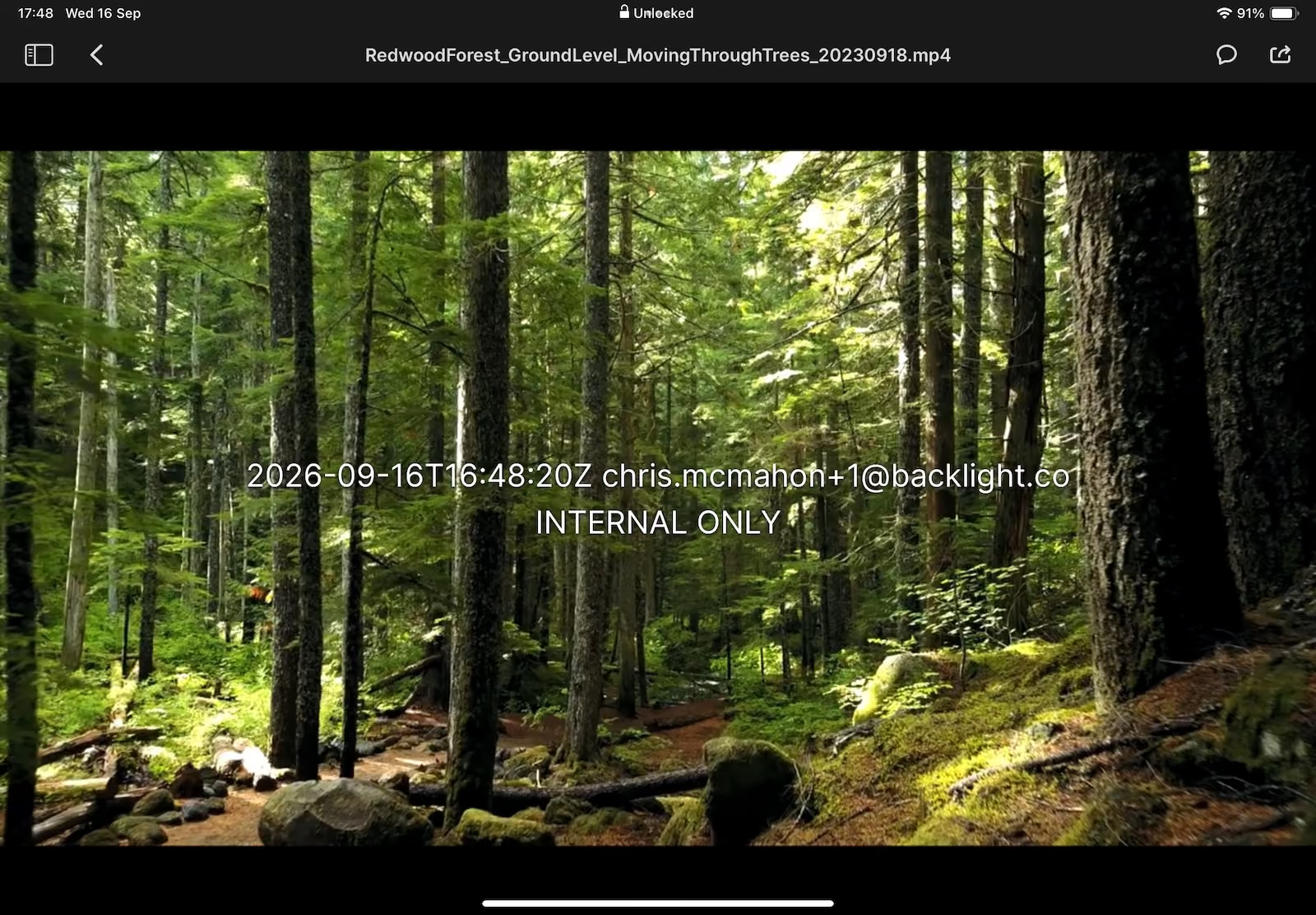
More control over visual watermarking
New settings give you additional control over how visual watermarks appear on content shared for review. This makes it easier to protect pre-release or sensitive material without changing how the review itself works.
Availability: Available to all Iconik iOS users on the latest app version.