.svg)
A step-by-step guide on how to add AI metadata to video files



In this article

Most media archives are digital graveyards. Footage goes in, but because it lacks a pulse — searchable data — it never comes back out. When your team can’t find a clip in 60 seconds, that asset is effectively dead. Moving past this operational amnesia requires more than just better organization; it requires knowing precisely how to add metadata to video files, and how to properly leverage AI to do so.
Step 1: Design the skeletal structure
Metadata fails when it is too broad.
If a search for "interview" returns 4,000 clips, the system is broken. You must establish a rigid metadata schema — a skeletal structure that supports every asset.
Mandatory fields should include project IDs, capture dates, and talent usage rights. This ensures that as your library grows toward the exabyte scale, your assets remain reusable rather than unmanaged liabilities.
Step 2: Standardize the logic
Naming conventions like “Final_v2_ActuallyFinal” are symptoms of a dead workflow. Use a logic-based naming convention (e.g., YYYYMMDD_Project_Shot) to provide immediate context at the file level.
Although the goal is to move beyond filenames, a standardized string acts as the first line of defense against search debt.
Step 3: Industrialize ingest with bulk technical tags
Don't ask humans to do what machines do better.
During the ingest process, group files by camera type, color profile, or resolution. Applying these technical tags in bulk ensures that the visual DNA is indexed before the first edit begins.
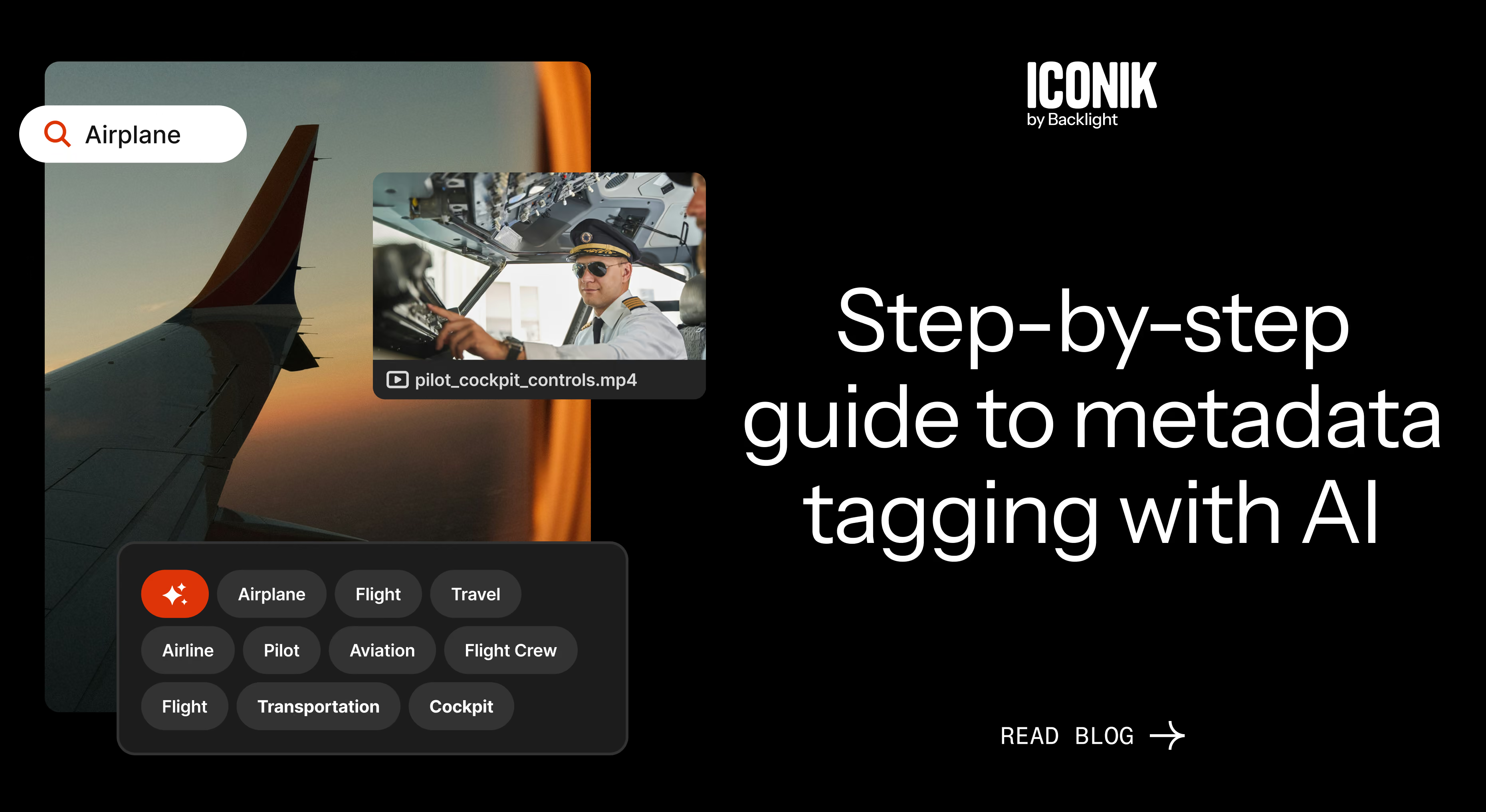
Step 4: Deploy a neural layer of AI metadata tagging
In 2025, Iconik's metadata AI performed 11.4 million analysis jobs. Assuming every one of those jobs averaged three minutes of content, the AI would've watched the equivalent of 65 years of video in that year alone. This is where how to add metadata to video files moves from manual labor to automated intelligence.
By enabling AI scanning, your files remember their own contents through:
- Facial recognition. Iconik identifies specific people and makes them searchable across your entire library. Need every clip featuring a particular executive or on-camera talent? A face recognition search returns results in seconds, regardless of whether anyone manually tagged the person's name. Iconik processed 578,000 facial recognition jobs in the feature's first four months after its September 2025 launch.
- Visual analysis. Iconik's AI doesn't just see faces — it identifies objects, scenes, and activities within your footage. A search for "outdoor interview" or "aerial shot of a stadium" returns results based on what's actually in the frame, not what someone remembered to type into a metadata field. In 2025, Iconik ran 5.7 million visual analysis jobs across its platform.
- Transcription. Speech-to-text converts every spoken word into a searchable marker on the timeline. Editors can search for a specific quote or topic and jump directly to the moment it was said — no scrubbing required. Iconik processed 5.1 million transcription jobs in 2025.
Natural language search: You shouldn't need to know the taxonomy to find what you need
AI metadata tagging solves one half of the retrieval problem — getting the right data onto your files. The other half is making that data accessible to people who don't think in filter logic.
Iconik's natural language search lets users type plain-English queries — like "interview with the CEO filmed outdoors last spring" — and maps that input to the structured metadata filters behind the scenes. No one needs to know which fields to search or which controlled vocabulary to use. The system translates intent into results.
This matters because the people searching your library aren't always the same people who tagged the content. An editor looking for "that drone shot of the warehouse" doesn't want to learn your metadata schema. They want the clip. Natural language search in Iconik bridges that gap, supporting 70+ languages.
Scale it: bulk AI metadata enrichment
Tagging one asset at a time is fine for a small library. When you're ingesting hundreds or thousands of files per day, it's a bottleneck. Iconik supports AI metadata enrichment across multiple assets at once — select a batch of files, choose the metadata fields you want populated, and let AI generate suggestions for all of them. A human reviews and accepts the results, keeping your team in the loop without requiring them to do the heavy lifting.
This bulk approach closes the gap between ingest velocity and metadata quality. Content arrives tagged and searchable from the start, rather than sitting in a queue waiting for someone to get around to it.
Step 5: Log the highlights with time-based markers
A smart file doesn't just know what it is; it knows where the good parts are.
Use time-based markers to log "best takes" or key interview quotes directly on the timeline. This allows editors to bypass hours of raw footage, moving directly to the high-value moments that matter.
Step 6: Audit your search debt
Search patterns change.
Periodically review your search logs to see what terms your team is struggling to find. Updating your tags based on actual team behavior ensures your library remains an active asset rather than a digital graveyard.
Sidebar: The economics of search debt
Manual logging is a hidden tax on your creative margin. At a small scale, inefficiencies are tolerable. With hundreds of millions of assets, they compound fast. If an editor earning $60 per hour spends just 30 minutes a day looking for unindexed clips, you are losing $7,500 per year.
Is it time to use metadata to help you scale?
You don't need more storage. You need your media to be findable, organized, and useable. If your team can’t find a specific visual asset in under 60 seconds, your files are dead on arrival.
Ready to move past tribal knowledge and industrialize your media engine with AI metadata? Book time with an Iconik expert today.
Melanie Broder Bashaw is the Lead Writer at Backlight. She has over ten years of experience in SaaS content marketing and has written for brands such as Wistia, MongoDB, WhatsApp, Padlet and Slite. Her creative writing has been published by the Common and Public Books. She has an MFA in writing from Columbia University and is based in Los Angeles.
