.svg)
Creative Production
6 workflow upgrades your team needs to create content Gen Z actually watches

Published on
June 30, 2026



In this article

Gen Z scrolls fast, skips faster, and has no patience for content that feels like a committee wrote it six weeks too late.
If your media team produces branded content, short-form video, or campaign assets aimed at a Gen Z audience, the question isn't whether your creative instincts are right. It's whether your workflow can execute fast enough for the content to still matter when it goes live.
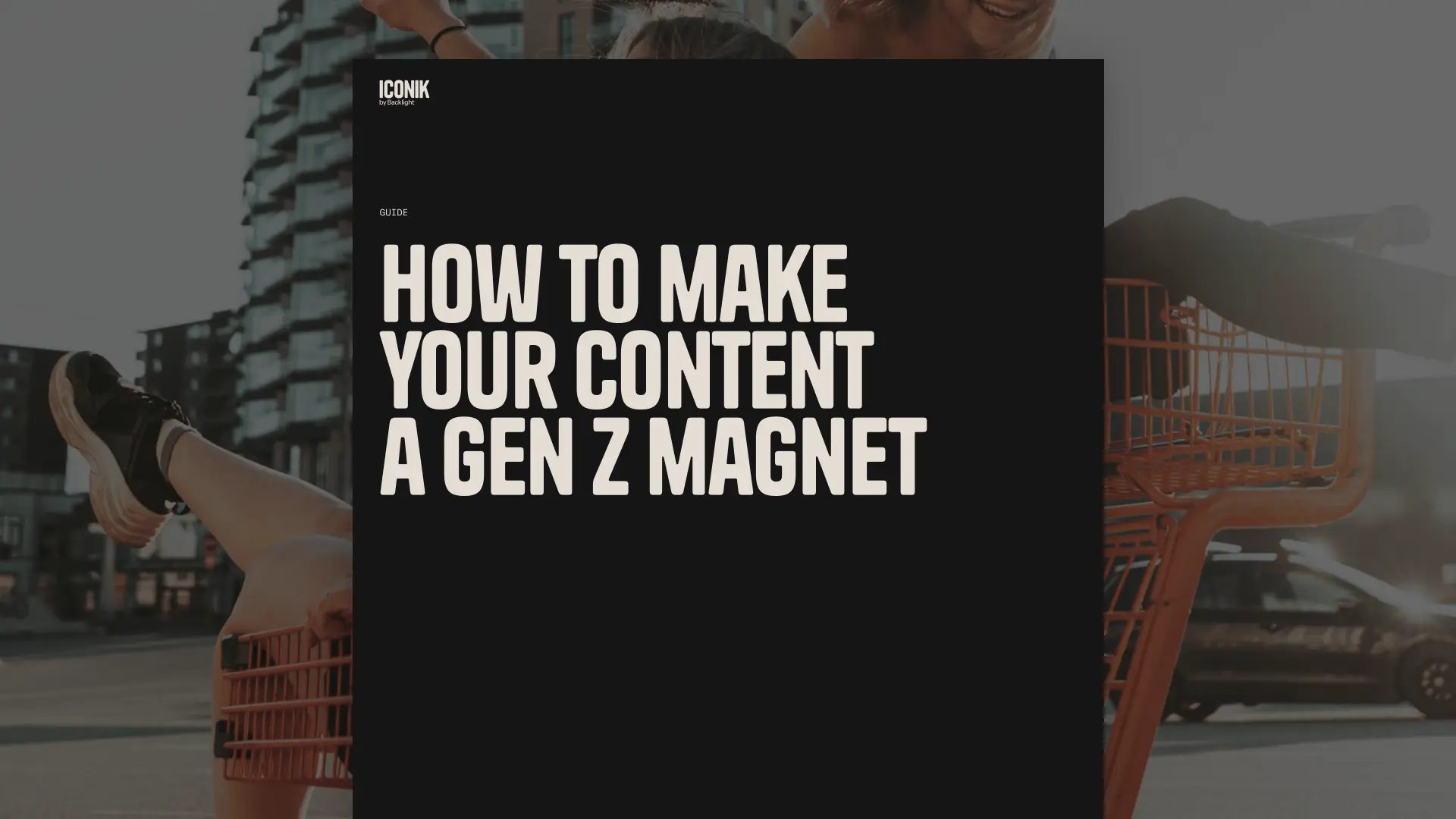
Most enterprise media teams have the talent. What they're missing is infrastructure tuned to Gen Z's pace. Here are the six core workflow upgrades that close that gap — drawn directly from Iconik's guide, How to make your content a Gen Z magnet.
1. Centralized, real-time feedback: one source, one thread
Picture this: your team is distributed across time zones. Someone replies to the wrong cut. Another stakeholder drops feedback on a version that's already been replaced. Your junior editor, desperate for clarity, makes changes based on a PDF forwarded from six days ago. One week later, you have five rough cuts, three "final" folders, and no idea what's actually approved.
This is what happens when feedback lives everywhere except on the asset itself.
Gen Z can spot a watered-down message instantly. They respond to content with a clear, consistent point of view — the kind of clarity that disappears when too many voices are giving notes in too many places. Tightening your feedback loop isn't just an ops win; it protects the quality of the work.
The fix: a single review environment where everyone, from the CMO to the intern, drops comments in one thread. Frame-accurate, in-asset feedback. No Slack screenshots. No forwarded PDFs. Async video collaboration tools that don't require another standing call.
2. Remix-ready media stacks: stop doing digital archaeology
A trending moment hits. Your team has the perfect clip — somewhere. Is it in the folder marked "Archive"? The subfolder called "Brand_2022_Recut"? On the editor's external drive next to some festival B-roll?
Half a day later, your team has messaged on Slack, manually re-exported the same clips twice, and missed the window entirely.
Gen Z grew up with Tumblr reposts and deep-fried memes. Research from Pew Research Center shows this cohort as the most platform-fluid of any generation — they expect content to evolve, respond, and reference itself in real time. But none of that's possible if your team can't find the original assets. Reuse is only faster than a reshoot when your media library is actually searchable.
That means metadata tagging — ideally automated — at ingest, not after the fact. It means fast, filterable search across all media, not just file names. AI-assisted metadata tagging is what turns your archive from a sunk cost into a competitive advantage: the moment hits, your team finds the clip in seconds, and publishes before the window closes.
3. Cloud collaboration that actually works anywhere
Two editors. One in Toronto, one in Tokyo. The producer's notes are stuck in a PDF. Someone's Wi-Fi is sketchy, and the stakeholder who makes the final call is about to board a flight. By the time everyone aligns, the moment — and the budget buffer — is gone.
Gen Z doesn't care where your team sits. They care that the work shows up on time. They expect tools to sync, refresh, and update without intervention. If your collaboration setup requires a VPN and a group prayer, you're not ready for the pace they set.
The infrastructure requirement is specific: in-browser access to high-resolution assets without installs, hybrid storage support so cloud and on-premises systems work together, and granular permissions that let you share externally without calling IT. Hybrid cloud media workflows are no longer an advanced configuration — they're the baseline for any team producing content at scale across distributed teams.
4. Version control that actually controls versions
Your team launches a campaign. Everything looks right — until TikTok comments point out a typo in the lower third. Turns out the team posted version three instead of version six, the one with corrected copy and rights-cleared music. Nobody remembered approving the wrong file. The client flags it internally before you've even tracked it down.
Mistakes go viral faster than corrections do. Gen Z is sharp-eyed and unsentimental in comment sections. A weak versioning system doesn't just create internal confusion — it creates public brand exposure.
The operational requirement: visual version history that shows what changed and when, rollback functionality for fast fixes, and clear status indicators (in progress, approved, published) so no one ever publishes a best guess.
5. Async collaboration that doesn't kill creative momentum
Your team blocks 30 minutes for "team-wide feedback." Three people decline the invite, two forget, one joins late, and someone leaves a single comment: "Cut this down?" Cut what down? Nobody's sure. The next day, you run a 15-minute standup to discuss the 30-minute session that didn't happen.
The problem isn't your people. It's the dependency on synchronized time.
Gen Z is online constantly but not simultaneously available. They expect fluid, non-blocking communication — feedback that's fast when it needs to be and flexible when it doesn't. Async doesn't mean slow. With the right setup, it's as immediate as a live session, without the scheduling overhead.
What makes async work: timestamped, frame-specific notes that live on the asset, notification logic that brings the right people in at the right time, and comment threads with enough context that no one has to decode what was meant.
6. The self-assessment: where is your workflow actually losing time?
The guide includes a quick diagnostic your team can run right now. Five yes/no questions:
- Can you review and approve content asynchronously, without email threads?
- Can non-technical stakeholders comment in-frame, directly on the asset?
- Do you know which version is the version at any given moment?
- Can you onboard a new creator without an internal wiki?
- Does your setup support remixing and reuse without chaos?
If you answered "no" to more than one, you're working harder than you need to be. And your content is probably arriving slightly too late, slightly too diluted, and slightly too difficult to remix when the next moment hits.
The full guide walks through each of these areas in depth, with specific tool requirements and workflow upgrade recommendations for each. It's built for media managers, creative ops leads, editors, and marketing managers who know the gap is real and need a structured way to close it.
Melanie Broder Bashaw is the Lead Writer at Backlight. She has over ten years of experience in SaaS content marketing and has written for brands such as Wistia, MongoDB, WhatsApp, Padlet and Slite. Her creative writing has been published by the Common and Public Books. She has an MFA in writing from Columbia University and is based in Los Angeles.