Save your search results, not just your query
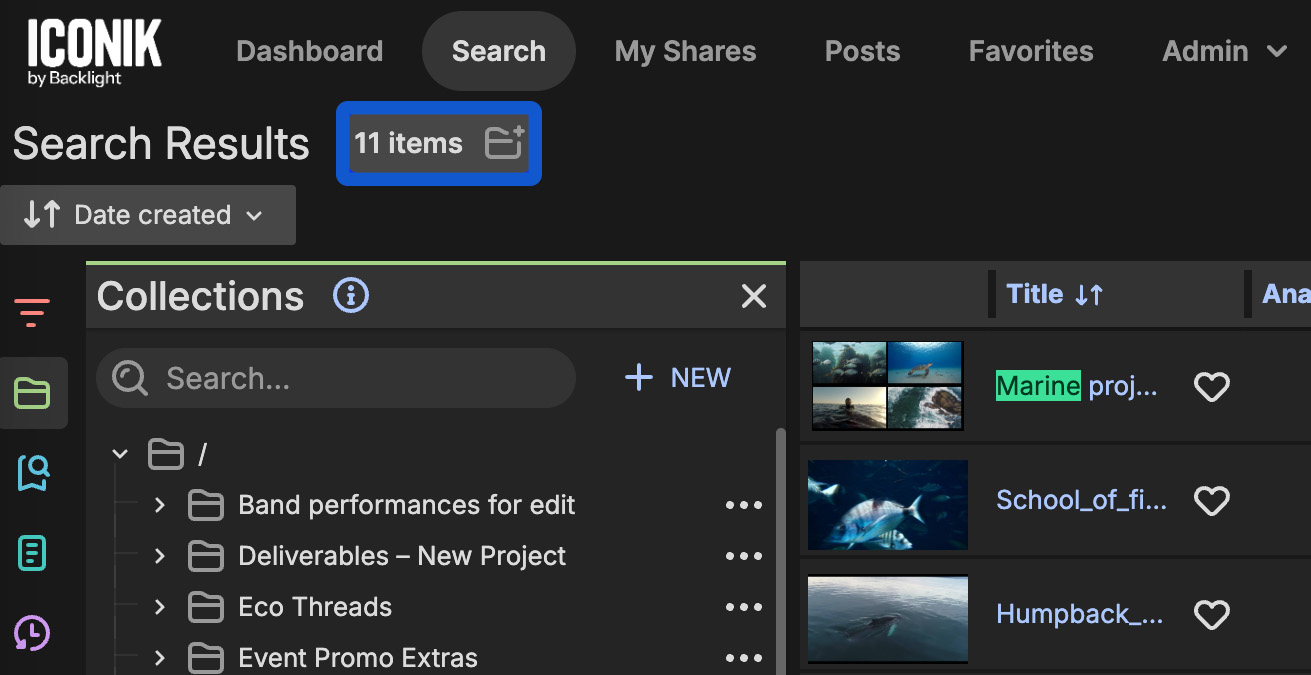
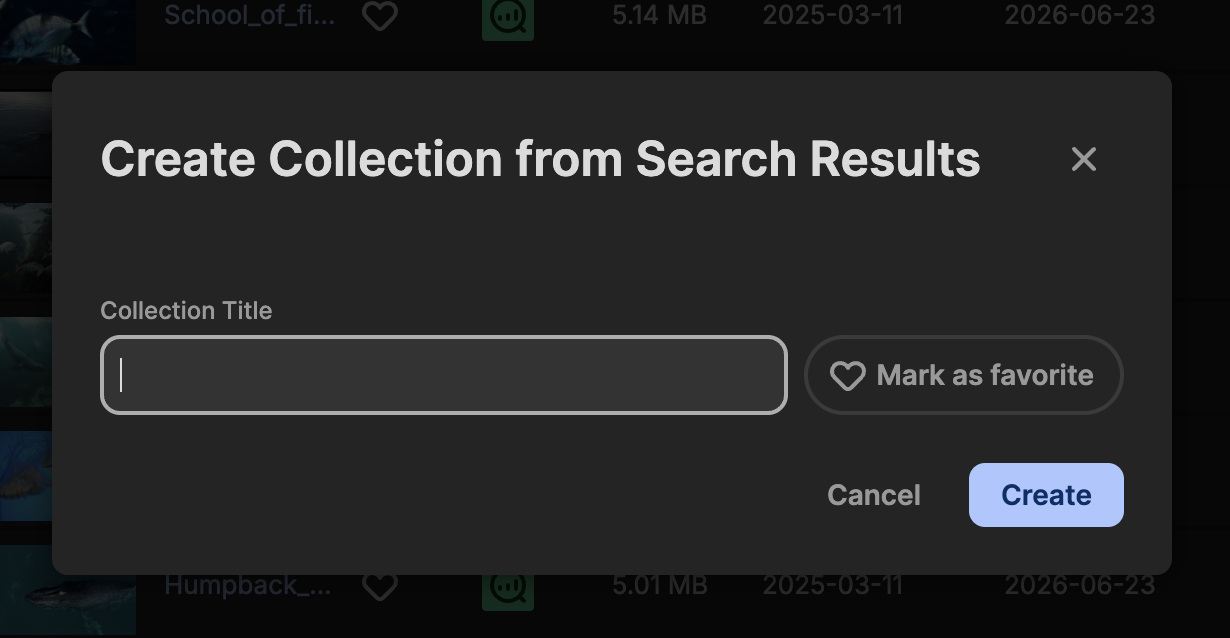
You can now save a set of search results directly as a collection, without leaving the results view. A new button appears beside your results count; click it, and a "Create Collection from Search Results" modal lets you name the collection and save it on the spot. Turning a large result set into a collection previously meant selecting assets manually; now it's one click from the results page itself. Collections created this way are capped at 50,000 assets.
Your place in the collection tree now stays put
Previously, browsing into a collection from the Search page, or opening one from a share via "Open in Iconik", didn't keep it highlighted in the collection tree, so you might lose your bearings the moment you looked over at the tree panel. Now the tree stays in sync with wherever you are, no matter how you got there, so you always know where you are relative to the rest of your collections.
