The Iconik Dashboard – Your homepage, built around your work
You can now access the Iconik Dashboard — a new space that's fully customizable and unique to each user, surfacing their favorite and recent assets, collections they’ve been working in, saved searches, pending approvals, jobs in progress, and more. You can reorder, collapse, or remove any widget, switch between card and list view, and drag assets straight into a collection from the dashboard itself. A collaboration feed sits alongside it, so replies, mentions, and comment activity are visible without digging through individual assets. And you can use the collection panel tree to quickly navigate to other places in Iconik directly from the Dashboard. Any user can set the Dashboard as their homepage from their profile settings, and admins can enforce it domain-wide if desired.
The Iconik Dashboard is available to all Iconik users.
Read the Dashboard documentation →
The Publish Panel: One page for every published post
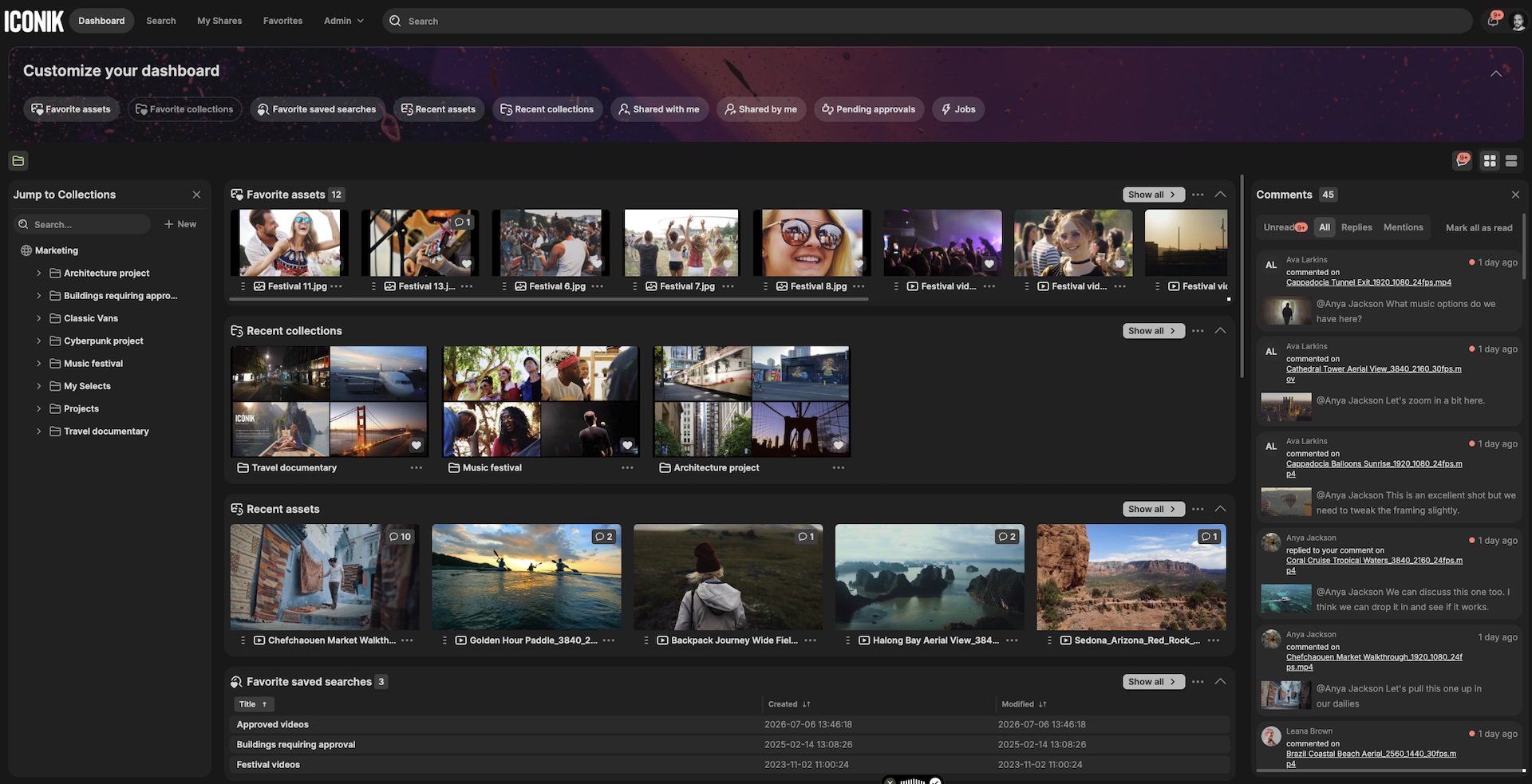
If you're running the Publish Panel, the new Posts page gives you a single view of every asset you've published across social channels — no more tab-switching between platforms or cross-referencing spreadsheets to piece together what shipped where. Each post shows the platform and account it landed on, the publish date, who published it, its current status, and how it's performing with your audience. Every post links back to its source asset in Iconik, so tracing a clip to where it lives in your library takes one click — and you can click straight through to see it live at its final destination.
The Iconik Publish Panel is a paid add-on for Iconik Pro and Enterprise users.
Read the Publish Panel post management documentation →
Choose which version you share in playlist shares
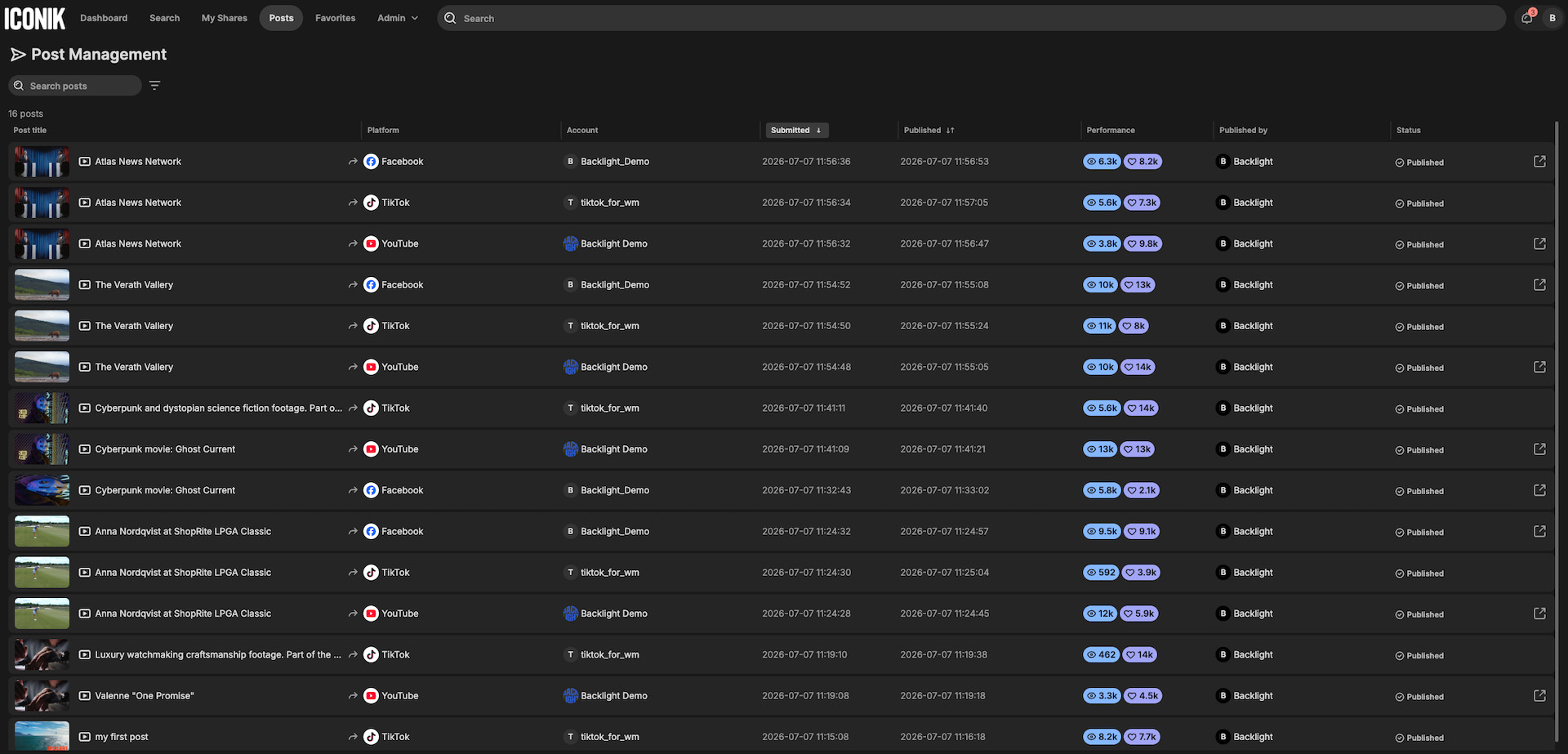
When you build a playlist share, you can now choose whether it includes the latest version of each asset, all versions, or specific versions you select. For reviews where comparing cuts matters, this means you're not stuck sharing every version when you only want specific versions to be seen — or perhaps, none at all.
Please note, collections and individual asset shares aren't affected by this change; version visibility there is still controlled by the existing "View versions" toggle, which allows either the latest version only or all versions, not the newer per-asset version selection now available on playlist shares.
Favorite collections and saved searches as you create them
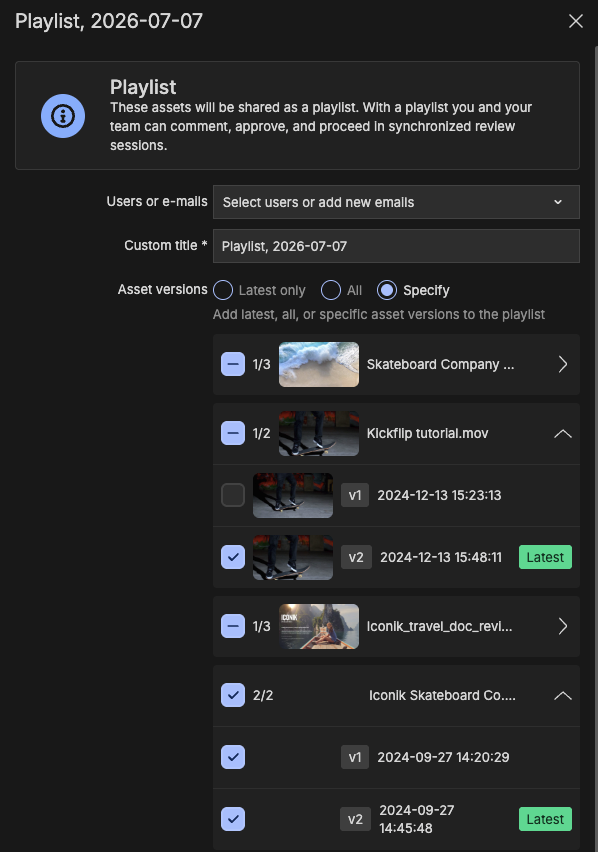
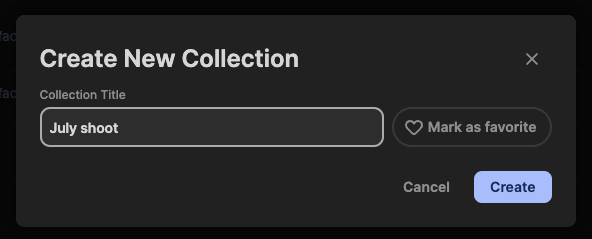
You can now favorite a collection or saved search right from its creation modal — no need to create it, then go back and favorite it as a separate step. It's a small thing, but it means the things you're setting up specifically because you'll want quick access to them later actually end up in your favorites right away, ready to show up on your Dashboard the moment you're done.
One additional note:
As part of the legacy review retirement (effective 2026-07-07), the opt-out toggle for the legacy share experience has been removed from System Share Settings — the new share and review experience is now the only option.
