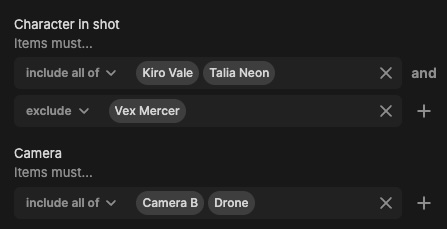
Updated comments panel and autosubmit draft comments
The comments panel in the Iconik web player has been updated with the version from the review experience. It looks and works the same way now across both surfaces, so if your team uses both, the experience is consistent.
The new panel brings with it features that weren't available in the previous iconik web player panel: filter comments by annotation color, filter by mentions, and a cleaner overall layout.
One behavior change to be aware of: the new panel auto-saves draft comments. Previously, if you started typing a comment and then navigated away — to another asset, another frame in the timeline, or a different browser tab — the draft was discarded. Now it's saved. If you see comments that you thought you'd abandoned, this is why.
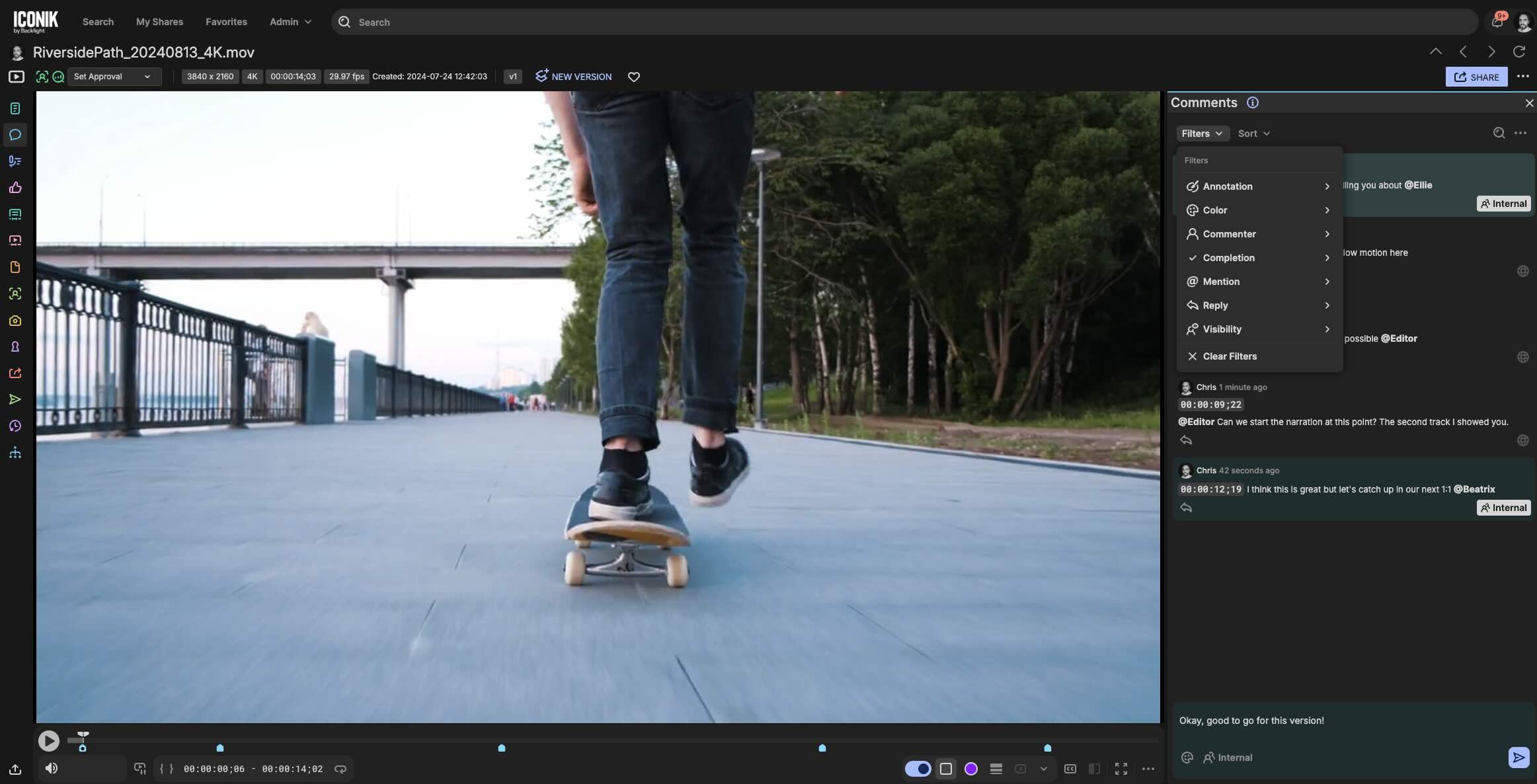
Download specific formats in share in the new review experience
When viewing an asset in a new review experience share, you can now download a specific format directly, without launching the Iconik Agent or having to download all files. This applies to custom formats beyond Original and Proxy: select the format you need from the file tab and download it in one step.
For customers who use custom output formats, reviewers and external collaborators can grab exactly what they need without pulling everything down.
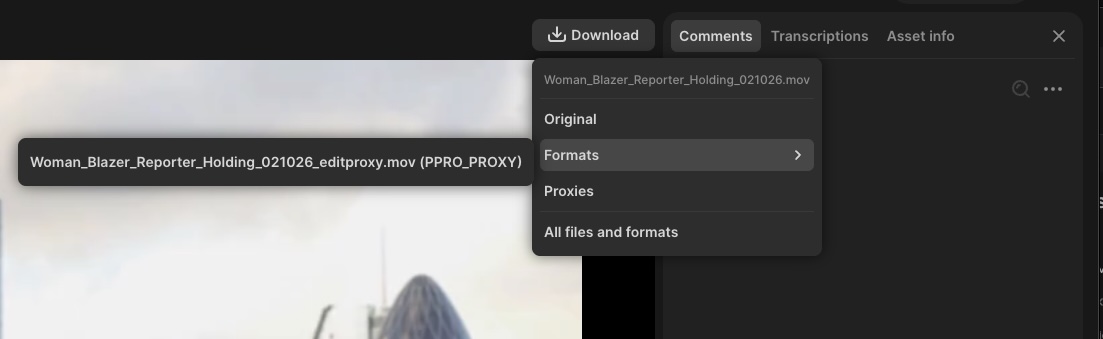
Copy text and images in PDFs
You can now select and copy text and images from PDF files opened in iconik. Search across all pages, find the section you need, and copy it directly into notes, reports, or other documents, without exporting or recreating anything.
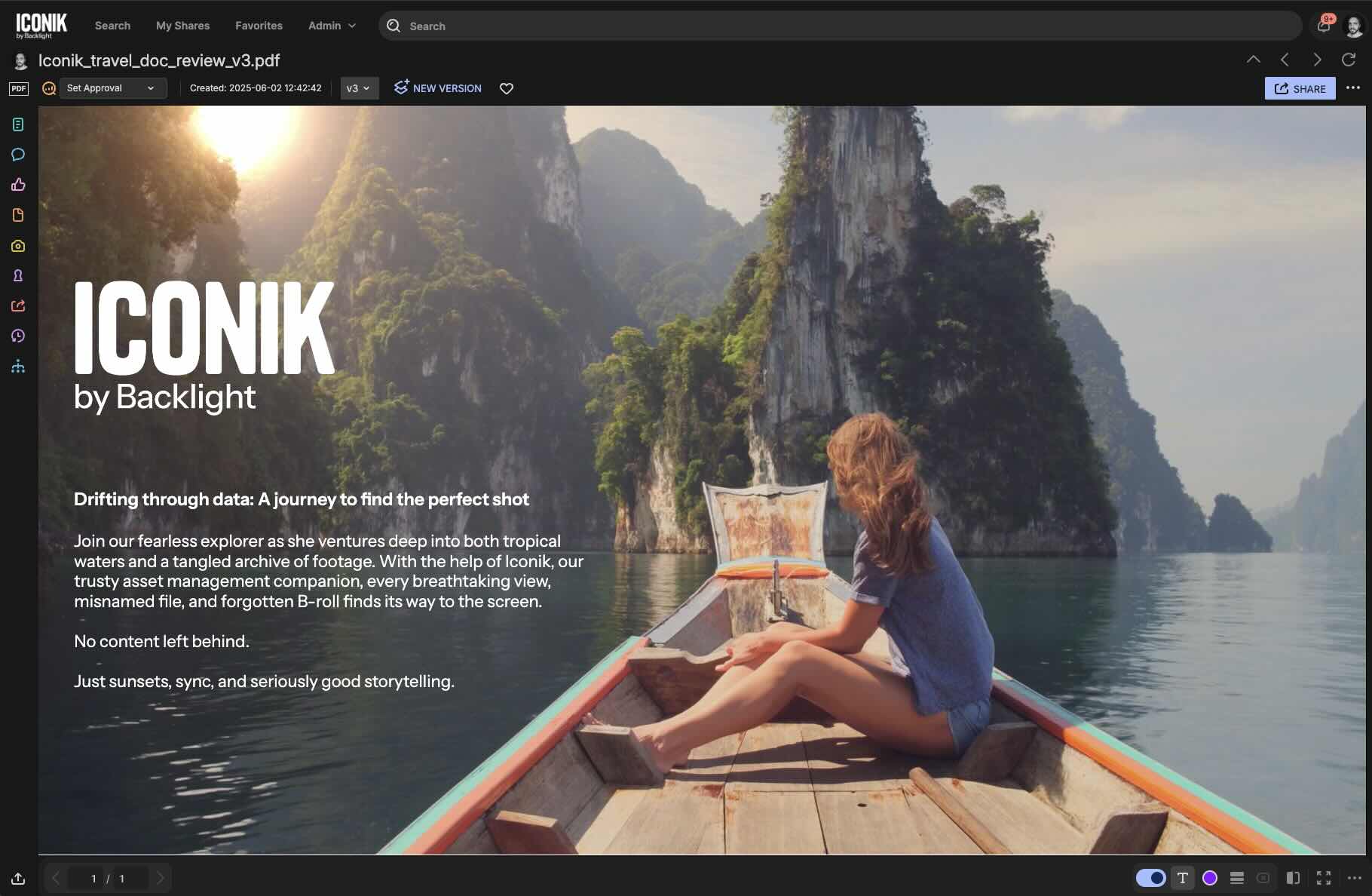
Search filter modifiers now include more metadata types
The any/exclude modifiers introduced for search filters in the previous release now extend to single-select dropdowns, tag cloud fields, and custom text and number fields. Earlier, modifier support covered Person(s), Storage, Created by, Deleted by, Transcriptions and Multi-select dropdown. The more of your metadata that supports modifiers, the more precisely you can filter, narrowing results to exactly what matches, or excluding what doesn't, across a much wider set of your library's fields.